To make automation easier, use clear, descriptive names for devices and rooms, incorporating their function and location. Stick to consistent naming conventions, like underscores or hyphens, for uniformity. Group similar devices with common prefixes, such as “LivingRoom_Lights,” to keep things organized. Keep names concise but informative, avoiding vague labels. Regularly review and update names as your system grows. Continue exploring practical tips to optimize your smart home setup and simplify control.

Get furniture and decor delivered free — and shop member deals
- Fast, free delivery on millions of items
- Access to Prime Big Deal Days deals on October 6–7
- Prime Video, Amazon Music and more included
Key Takeaways
- Use clear, descriptive names combining room and device type, like “LivingRoom_Light” or “Kitchen_Thermostat.”
- Group devices logically with consistent prefixes for easier control and automation.
- Maintain uniform naming conventions, including style and format, across all devices.
- Keep names concise yet informative to facilitate quick identification and troubleshooting.
- Regularly review and update device names to ensure clarity as your smart home expands.
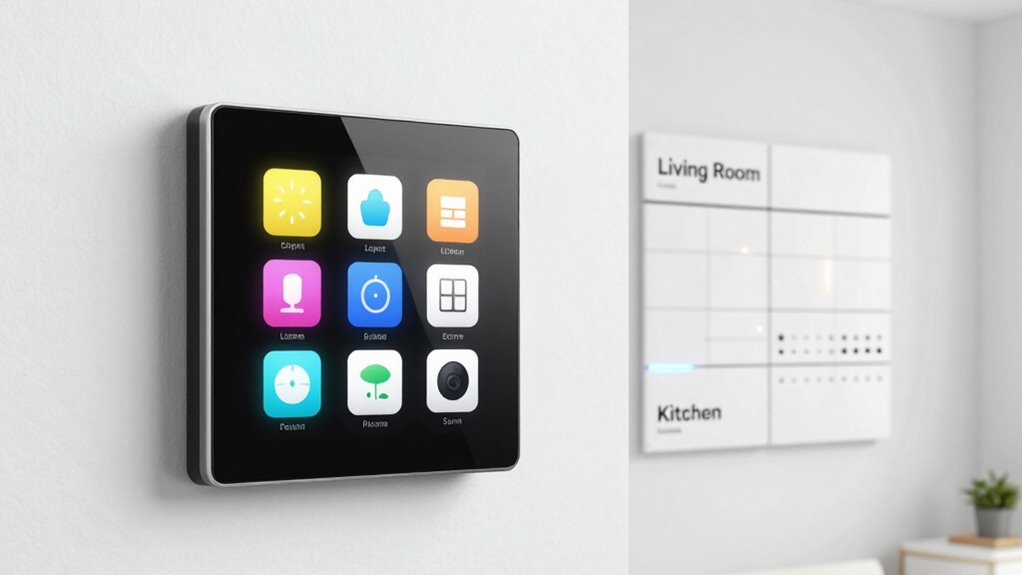
Have you ever struggled to find or control a device because its name was confusing or unclear? If so, you’re not alone. When your smart home setup gets crowded with devices, unclear naming conventions can make automation frustrating rather than seamless. To make your system work smoothly, it’s essential to develop a clear, consistent way of naming devices and rooms. This helps you quickly identify and control each item, especially as your collection grows.
Start by establishing a logical device grouping. Think about categorizing your devices based on their function or location. For example, group all your living room lights under a common prefix like “LivingRoom_Lights,” and your bedroom thermostats as “Bedroom_Thermostat.” This approach keeps similar devices together, making it easier to find and control them with a few taps or voice commands. Consistent device grouping reduces confusion, especially when managing multiple devices across different rooms.
Organize devices by function or room for easier control and clearer automation.
Next, stick to a uniform naming convention. Use simple, descriptive words that tell you exactly what the device is and where it’s located. For instance, instead of “Device1,” name it “LivingRoom_Lamp1.” Avoid vague names like “DeviceA” or “Switch,” which tell you nothing about their purpose or location. Incorporate the room name and device type in the name, so you instantly understand what you’re controlling. This clarity becomes especially handy when creating automations or troubleshooting issues, as you won’t have to guess which device is which. Consistent naming practices also streamline the process of managing updates or additions to your smart home. Additionally, adopting standardized naming conventions can help maintain clarity as your smart home expands.
Keep your naming consistent across all devices. If you use underscores in one device’s name, stick to underscores for all. If you prefer hyphens or spaces, choose one style and apply it everywhere. Consistency prevents accidental misidentification and makes your automation setup look more organized. Also, avoid overly long names; keep them concise but informative. For example, “Kitchen_CeilingLight” is clearer than “Ceiling Light in the Kitchen,” yet both convey the same info. Short, descriptive names strike a good balance between clarity and simplicity. Using clear naming structures can further improve navigation and control within your system. Furthermore, implementing a naming hierarchy can help you prioritize and organize devices more effectively.
Additionally, understanding the importance of organized naming conventions can significantly improve your smart home experience. Regularly review and update your device names as you add new gadgets. This ensures your system remains organized and manageable. As your smart home expands, a well-planned naming scheme helps prevent chaos. Remember, the goal is to make controlling your devices as intuitive as possible. When devices are named thoughtfully using consistent naming conventions and logical grouping, automation becomes a breeze. You’ll spend less time searching for the right device and more time enjoying the convenience of your smart home.
As an affiliate, we earn on qualifying purchases.
Frequently Asked Questions
How Do I Handle Naming Conventions for Future Device Additions?
You should establish clear device naming consistency and follow naming convention standards from the start to handle future device additions smoothly. Use a structured format that includes device type, location, and unique identifiers, making it easy to identify and manage new devices later. Regularly update your naming system as you add new devices, ensuring consistency across your setup. This approach keeps your automation organized and scalable.
Can I Change Device Names After Initial Setup?
Yes, you can change device names after initial setup. Maintaining device naming consistency helps you troubleshoot device names more easily and keeps your automation organized. To do this, access your device settings or the smart home app, select the device, and edit its name. Remember to update any routines or automations that reference the old device name to avoid confusion. Regularly reviewing and updating names keeps your system streamlined.
What Are Common Mistakes to Avoid in Device Naming?
Avoid common mistakes like inconsistent naming conventions, which can confuse your automation system. Use clear, descriptive labels with your naming software, ensuring label consistency across devices and rooms. Steer clear of overly generic names or using special characters that might cause issues. Consistent, logical naming helps you quickly identify devices, streamline automation, and prevent errors. Remember, well-planned naming saves time and frustration in managing your smart home.
How Do I Organize Names for Multi-Room Setups?
Think of your home as a symphony, each device playing its part. For multi-room setups, use device grouping and room categorization to keep things harmonious. Name devices by their location and function, like “Living Room – Lamp” or “Kitchen – Thermostat.” Group similar devices across rooms, such as “Downstairs Lights,” for easier control. Clear, consistent naming reduces confusion and makes automations seamless, like conducting a well-orchestrated performance.
Are There Best Practices for Naming Smart Home Routines?
To name smart home routines effectively, use clear, descriptive names that reflect their purpose, like “Morning Wake-up” or “Movie Night.” Incorporate keywords like voice recognition and user personalization to make routines easily identifiable for voice commands. Keep names consistent and simple to prevent confusion. This helps you quickly activate routines and guarantees your voice assistant understands your commands, creating a seamless, personalized smart home experience.
Conclusion
Think of your smart home as a well-organized garden. When each plant—your devices and rooms—is labeled clearly, it’s easier to tend and nurture. Proper naming acts like a gardener’s compass, guiding your automation journey smoothly. Without it, you risk confusion and chaos. So, take the time to assign meaningful names now—your future self will thank you for a home that’s not just smart, but truly harmonious and easy to manage.
Fall Picks
fall essentials
As an affiliate, we earn on qualifying purchases.