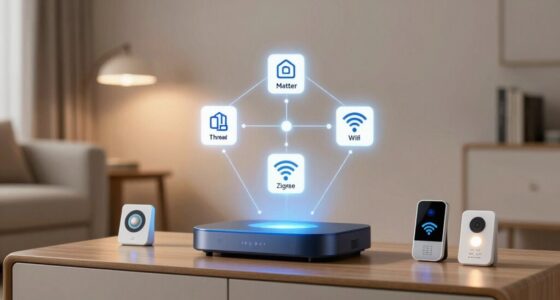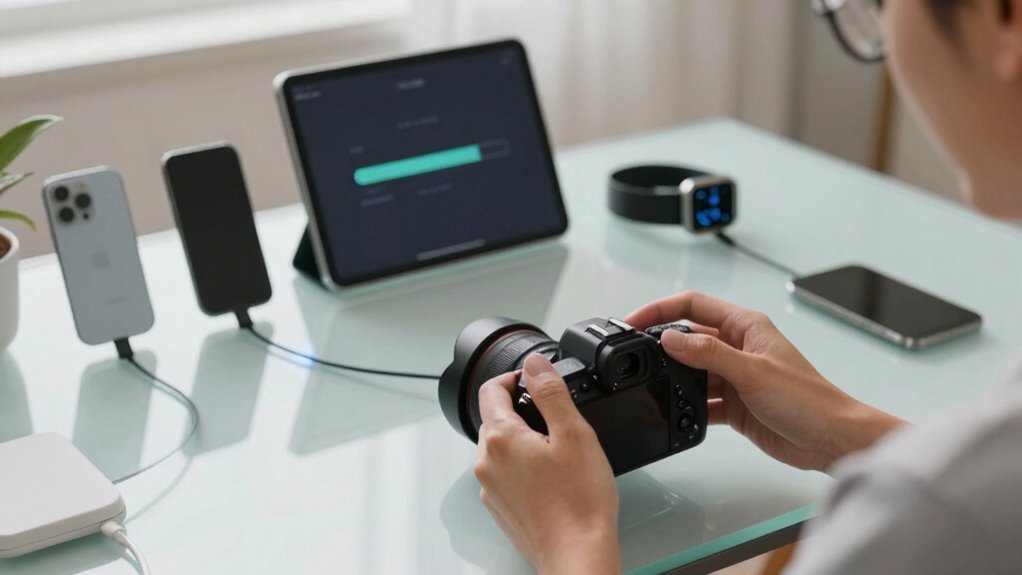

To keep your smart devices updated without chaos, set a routine that fits your schedule, like automatic updates or scheduled manual checks during quiet hours. Monitor update notifications closely and act promptly to install them. Manage all your devices together to streamline the process and improve security. Maintaining a regular update plan reduces surprises and keeps everything running smoothly. If you want to learn how to make this process even simpler, continue exploring effective strategies for hassle-free updates.

Get furniture and decor delivered free — and shop member deals
- Fast, free delivery on millions of items
- Access to Prime Big Deal Days deals on October 6–7
- Prime Video, Amazon Music and more included
Key Takeaways
- Set automatic updates whenever possible to ensure devices stay current without manual effort.
- Establish a consistent update schedule during low-usage hours to minimize disruption.
- Regularly check and act on update notifications promptly to prevent security gaps.
- Coordinate updates across all devices to streamline maintenance and reduce oversight.
- Review device settings periodically to enable automatic updates and simplify management.

Keeping your smart devices updated is essential for maintaining security, performance, and access to new features. Neglecting updates can leave your devices vulnerable to cyber threats, slow down their functionality, and prevent you from enjoying the latest improvements. To stay ahead, you need a reliable update schedule that fits your routine. Regularly scheduled updates help you avoid the chaos of last-minute fixes and guarantee your devices are always protected.
Device security hinges on timely updates. Hackers often exploit vulnerabilities in outdated software, so delaying updates increases your risk. By setting up an update schedule, you create a routine that keeps your devices protected without you having to think about it constantly. Many smart devices allow automatic updates, which is the easiest way to assure you’re always current. If your devices don’t support automatic updates, mark specific days on your calendar—perhaps once a week or bi-weekly—to check for and install updates. This consistency prevents the backlog of pending updates that can become overwhelming.
You should also consider the timing of updates. Some devices may need to be offline briefly during updates, so plan for those moments during times when interruptions are least disruptive—like late at night or early mornings. Regularly reviewing your device settings to enable automatic updates where possible minimizes the risk of missing critical patches. It’s a simple step that can save you time and worry down the line. Additionally, understanding the importance of software version and update status helps you stay informed about your device’s security and performance. Staying aware of your device vulnerabilities can help you prioritize updates that address specific security issues.
Another key point is to stay informed about your device’s software version and update status. Many apps and devices provide notifications when updates are available. Pay attention to these alerts, and act promptly to install them. This proactive approach ensures you’re not caught off guard by security flaws or performance issues. If automatic updates aren’t an option, make it a habit to manually check for updates at scheduled intervals, keeping your devices current and secure. Recognizing the importance of update notifications can help you develop a more consistent update routine. Being familiar with security patches and their significance also ensures you understand why updates matter.
Finally, consider consolidating your update efforts across all devices. Managing updates for all your smart tech—from smart speakers to security cameras—becomes easier when you approach it as a regular maintenance task. Keeping your device security tight and your update schedule consistent minimizes frustration and maximizes efficiency. With a little planning and discipline, updating your smart devices becomes a seamless part of your routine, ensuring they perform at their best and stay safe from threats.
automatic smart device update manager
As an affiliate, we earn on qualifying purchases.
As an affiliate, we earn on qualifying purchases.
Frequently Asked Questions
Can I Update Devices Manually Instead of Automatic Updates?
Yes, you can update your devices manually instead of relying on automatic updates. You’ll have manual control over when updates happen, allowing you to choose a convenient time. Many devices let you adjust update scheduling in settings, so you can initiate updates when it suits you. This way, you avoid unexpected disruptions and keep your smart devices current on your terms, not just automatically.
What Should I Do if an Update Causes Device Issues?
If an update causes issues, you should perform a firmware rollback to restore your device to a stable version. First, check if your device supports rollback options. Then, consider update scheduling for future updates to avoid problems. Contact the manufacturer’s support if needed. This way, you maintain control over updates, minimizing disruptions, and ensuring your device stays functional and secure.
How Do I Prioritize Updates for Multiple Devices?
Think of your devices as a fleet of ships needing coordination. You should prioritize updates based on device compatibility and how critical each device is. Schedule updates during off-peak hours to reduce disruption, focusing first on essential devices like security systems. Regularly review update schedules, ensuring all devices stay current without overwhelming your network, keeping everything sailing smoothly and efficiently.
Are There Security Risks With Delaying Updates?
Delaying updates can expose your devices to security vulnerabilities, as hackers often exploit outdated firmware patches. When you postpone installing firmware patches, you leave security vulnerabilities open for longer periods, increasing the risk of data breaches or unauthorized access. To protect your devices, it’s essential to stay current with updates. Regularly installing firmware patches ensures you close security gaps promptly, reducing the likelihood of cyber threats and maintaining your device’s safety.
How Can I Verify if an Update Was Successful?
You can verify if an update was successful by checking your device’s firmware stability and confirming it functions smoothly afterward. Look for update notifications confirming completion, then navigate to your device’s settings or about section to see the latest firmware version. If the version matches the recent update and the device operates normally, the update was successful. Regularly verifying helps you stay secure and guarantees your device performs efficiently.
Conclusion
Keeping your smart devices updated is like tending a garden—you need to regularly water and care for each plant to see it thrive. By setting automatic updates, checking for new versions, and staying informed, you guarantee everything runs smoothly without chaos. Think of updates as essential nutrients—without them, your devices can’t perform their best. Stay proactive, and your smart home will stay in harmony, just like a well-tended garden blooming beautifully.
Fall Picks
fall essentials
As an affiliate, we earn on qualifying purchases.