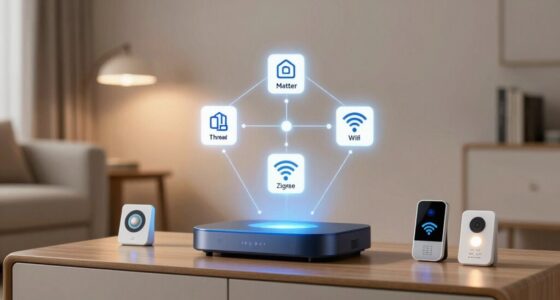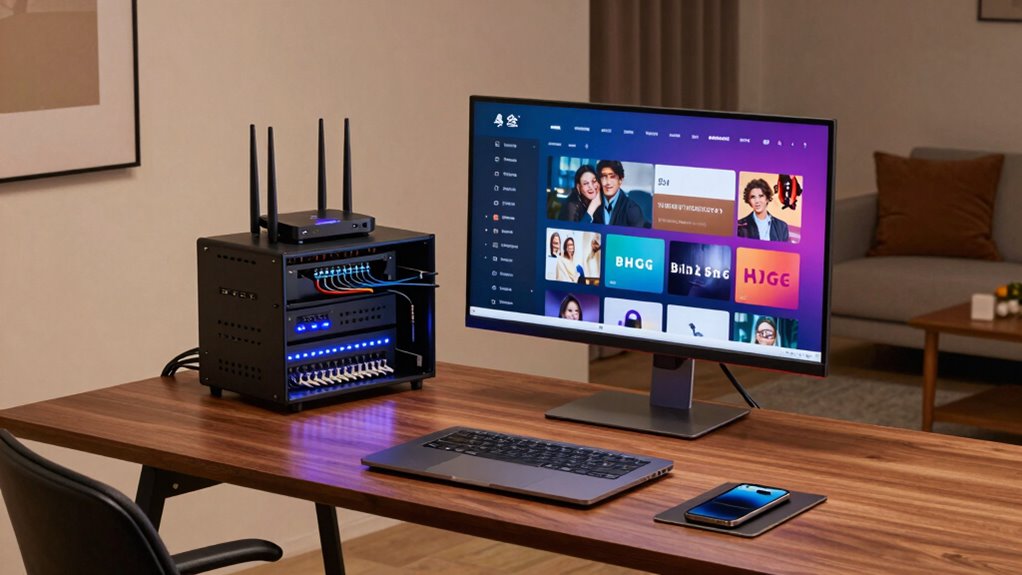

To build a stronger home network, start by placing your router centrally and elevated to cover your space effectively. Use a modern, dual-band or tri-band router that can handle multiple devices at once. Protect your network with strong, unique passwords, enable WPA3 encryption, and update firmware regularly. Manage your network settings for peak performance and reboot your router periodically. Keep watching to learn more tips that will guarantee your streaming and work-from-home experiences stay seamless.

Get furniture and decor delivered free with Prime
- Fast, free delivery on millions of items
- Prime Video, Amazon Music and more included
- Member-only deals all year
Key Takeaways
- Use a modern, dual-band or tri-band router to handle multiple devices efficiently.
- Position your router centrally, elevated, and free from obstructions for optimal coverage.
- Regularly update firmware and reboot your router to maintain peak performance.
- Enable WPA3 encryption and strong passwords to secure your network from cyber threats.
- Utilize network management tools to monitor and optimize your home network’s performance.
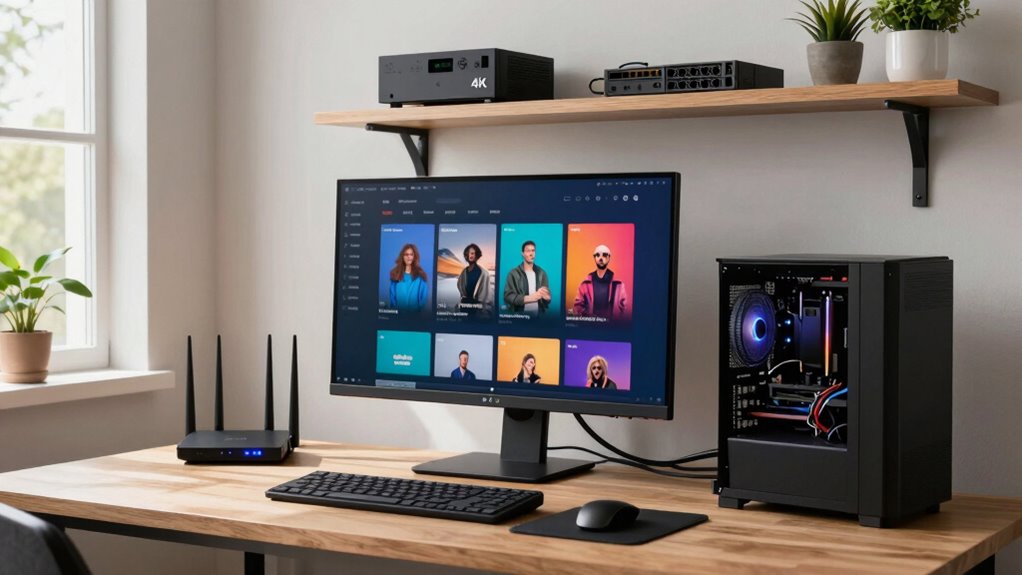
Building a stronger home network begins with understanding the importance of wireless security and proper router placement. When you prioritize wireless security, you protect your devices and personal data from potential cyber threats. Use a strong, unique password for your Wi-Fi network and enable encryption protocols like WPA3. Regularly update your router’s firmware to patch vulnerabilities and improve performance. Additionally, consider disabling WPS and guest networks if you don’t need them, as they can sometimes introduce security risks. These steps assure your network remains safe from hackers, giving you peace of mind whether you’re streaming your favorite shows or working remotely. Maintaining wireless security is crucial for safeguarding your digital activities and personal information. Proper router placement enhances signal strength and coverage, reducing dead zones and ensuring a reliable connection throughout your home. Beyond just placement and security, you should also think about the type of router you’re using. Investing in a modern, dual-band or tri-band router can dramatically boost your network’s capacity, allowing multiple devices to stream and work simultaneously without slowdown. Upgrading to a high-performance router can make a significant difference in your overall experience. Regularly rebooting your router can also help maintain peak performance, especially if you notice sluggish speeds. Remember that network management tools can assist in monitoring and optimizing your network’s health. Keeping your network simple and secure encourages smoother streaming experiences and seamless work-from-home sessions.
As an affiliate, we earn on qualifying purchases.
Frequently Asked Questions
How Often Should I Upgrade My Home Networking Equipment?
You should consider upgrading your home networking equipment every 3 to 5 years, especially if you notice slow speeds or frequent disconnects. Regular updates help improve bandwidth management and device prioritization, ensuring smooth streaming and work performance. If your network struggles with multiple devices or new technology, upgrading sooner can prevent frustrations. Keep an eye on performance and technology advances to determine the best time to upgrade for maximum efficiency.
What Is the Best Placement for Wi-Fi Routers?
You should place your Wi-Fi router in a central, elevated location to maximize signal enhancement. Avoid putting it near thick walls, metal objects, or appliances that cause interference. Keep it away from corners and basement areas, as these can weaken the signal. Ideal router placement ensures even coverage, reduces dead zones, and improves connection stability, helping you stream seamlessly and work efficiently without interruptions.
How Can I Reduce Wi-Fi Interference From Neighbors?
To reduce Wi-Fi interference from neighbors, you can change your router’s channel to avoid crowded frequencies, which helps improve wireless interference and signal optimization. Use a Wi-Fi analyzer app to identify the least congested channels and select one accordingly. Additionally, position your router away from other electronics and thick walls, and consider upgrading to dual-band or mesh systems to maintain strong, interference-free connections for streaming and work.
Is a Mesh Network Better Than a Traditional Router?
Imagine your home as a bustling city—where signals must reach every corner. A mesh network beats a traditional router by offering seamless coverage, eliminating dead zones, and managing multiple devices effortlessly. Mesh comparison highlights its advantages, like expanded coverage and easier scalability. While routers excel in simplicity and initial setup, a mesh system provides stronger, more reliable connections across larger spaces, making it ideal for streaming and remote work.
How Do I Secure My Home Wi-Fi Network?
To secure your home Wi-Fi network, start with strong password security by creating complex, unique passwords and changing them regularly. Enable WPA3 encryption for better protection. Manage your devices actively by updating firmware and removing unknown devices. Also, disable remote management and Wi-Fi sharing features you don’t need. These steps help prevent unauthorized access, keeping your network safe for streaming and work without interruptions.
Conclusion
By optimizing your home network, you create a seamless experience for streaming and work. Upgrading your router, reducing interference, and prioritizing your devices make a real difference. Think of it like tuning an instrument—small adjustments lead to better harmony. When your network runs smoothly, you’ll notice fewer disruptions and more productivity. So, invest a little time now, and enjoy a faster, more reliable connection that keeps everything running effortlessly.
Columbus Day / Indigenous Peoples' Day Picks
long weekend sales
As an affiliate, we earn on qualifying purchases.