To connect your smart lock and share access safely, use a trusted app with encryption and secure sharing features. Limit permissions to trusted individuals and set time-restricted or conditional access when possible. Revoke permissions promptly if they’re no longer needed. Regularly review access lists and keep your devices and app updated to prevent security vulnerabilities. Following these practices helps you maintain control and keep your home secure while sharing access. Explore more for detailed tips and strategies.
Key Takeaways
- Use trusted apps with encryption and built-in sharing features to securely distribute access codes.
- Set time-limited and conditional permissions to restrict access duration and prevent misuse.
- Regularly review and revoke user permissions when access is no longer needed.
- Enable two-factor authentication and keep firmware updated for enhanced security.
- Avoid sharing passwords through unsecured channels and promptly address security concerns.
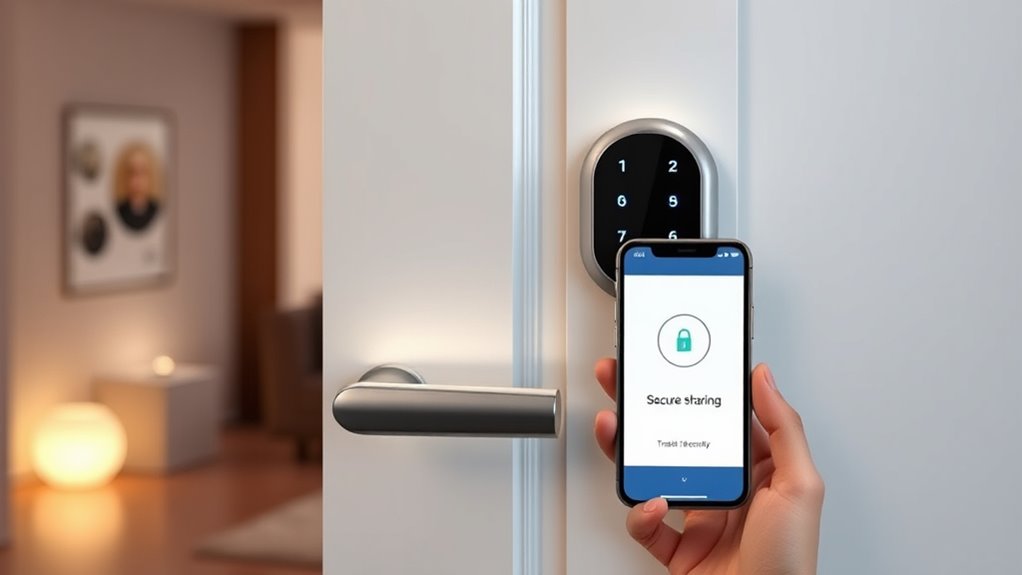
Smart lock access sharing allows you to conveniently grant others entry to your home or property without the need for physical keys. This feature is a game changer, especially when you want to provide temporary access to friends, family, or service providers. But with the convenience comes the responsibility of maintaining digital security. When you share access digitally, you’re fundamentally giving someone control over your lock through an app or online platform. That’s why understanding how to manage user permissions is essential. You want to guarantee that only authorized people can unlock your door, and that their access is limited to what’s appropriate. Many smart lock systems let you customize user permissions, so you can set specific times or conditions for entry. For instance, you might allow a housekeeper to enter only during daytime hours or revoke access once their task is complete. This level of control helps reinforce your digital security by reducing the risk of unauthorized or unintended access.
When sharing access, always use trusted apps and secure login methods. Avoid sharing passwords or access codes through unsecured channels like plain messages or emails. Instead, utilize the app’s built-in sharing features, which often include encryption and time-limited access options. Many smart lock platforms also enable you to revoke permissions instantly if needed, giving you peace of mind that you can respond quickly to any security concerns. It’s important to regularly review who has access to your property and update permissions accordingly. If someone no longer needs entry, promptly revoke their user permissions. This ongoing management is a key part of maintaining your digital security and making certain your smart lock system remains secure. Additionally, choosing a system that uses top mattress toppers can enhance overall security by adding comfort and support, helping you sleep better and stay alert to potential security issues.
Another tip is to enable two-factor authentication if your system supports it. This adds an extra layer of protection, making it harder for someone to gain unauthorized access even if they have your login credentials. Also, keep your app and firmware up to date, as updates often include important security patches that defend against vulnerabilities. When you connect your smart lock system to other smart home devices, make sure those are secured as well, since a breach in one device can sometimes compromise the entire network. Overall, sharing access through smart locks offers unmatched convenience, but it’s vital to stay vigilant about digital security and user permissions. By controlling who can access your property and how they do so, you can enjoy the benefits of smart technology while keeping your home safe.
Frequently Asked Questions
How Do Smart Locks Handle Power Outages or Battery Failures?
Smart locks handle power outages or battery failures by using built-in battery backups, ensuring you can still access your door. When the batteries run low, you’ll see battery indicators alerting you to replace them soon. If power completely fails, the backup battery kicks in, allowing you to release manually with a key or via a backup power source. This design keeps your home secure and accessible at all times.
Can I Revoke Access Remotely After Sharing It?
Yes, you can perform remote revocation of access after sharing it. With access management features, you easily revoke or modify permissions through the app or online platform. This gives you control to limit or remove access anytime, ensuring your smart lock’s security. Remote revocation helps you manage shared access efficiently, so you’re always in command, no matter where you are.
Are Smart Locks Compatible With All Smartphone Operating Systems?
Most smart locks are compatible with major smartphone operating systems like iOS and Android. You should check the lock’s mobile compatibility and operating system support before purchasing. Many smart locks work seamlessly with your phone’s app, but some may have limited features on certain platforms. Make certain your device’s OS is up to date to avoid compatibility issues. Always review the product specifications to confirm it supports your specific smartphone OS.
What Security Features Protect Against Hacking Attempts?
Smart locks protect against hacking attempts through strong encryption protocols that secure your data during transmission, making it hard for hackers to access. They also feature intrusion detection systems that monitor for suspicious activity and alert you immediately if unauthorized access is detected. Regular firmware updates further enhance security, ensuring your smart lock stays protected against emerging threats. These features work together to keep your home safe and your access secure.
How Do I Update or Change Shared Access Permissions?
To update or change shared access permissions, open your smart lock app and navigate to the sharing settings. You can modify access permissions by selecting the user or group you want to edit. Adjust their access level or revoke permissions entirely. Always save your changes to guarantee they take effect. Regularly review sharing settings to keep your smart lock secure and prevent unauthorized access.
Conclusion
Sharing access to your smart lock is like handing someone a key to your house’s heartbeat—trust is everything. By using secure apps and setting proper permissions, you keep your home safe while opening doors for friends and family. Remember, you’re the conductor of this digital symphony, guiding who can come and go. Stay vigilant, and your smart lock will be the steadfast guardian, making access simple and secure like a trusted friend watching over your home.