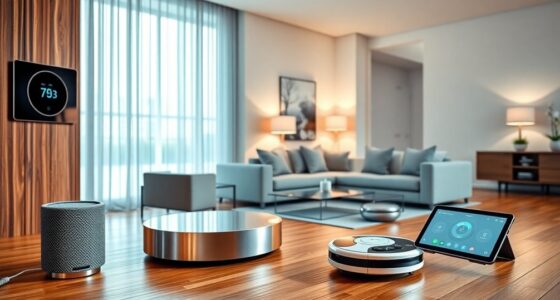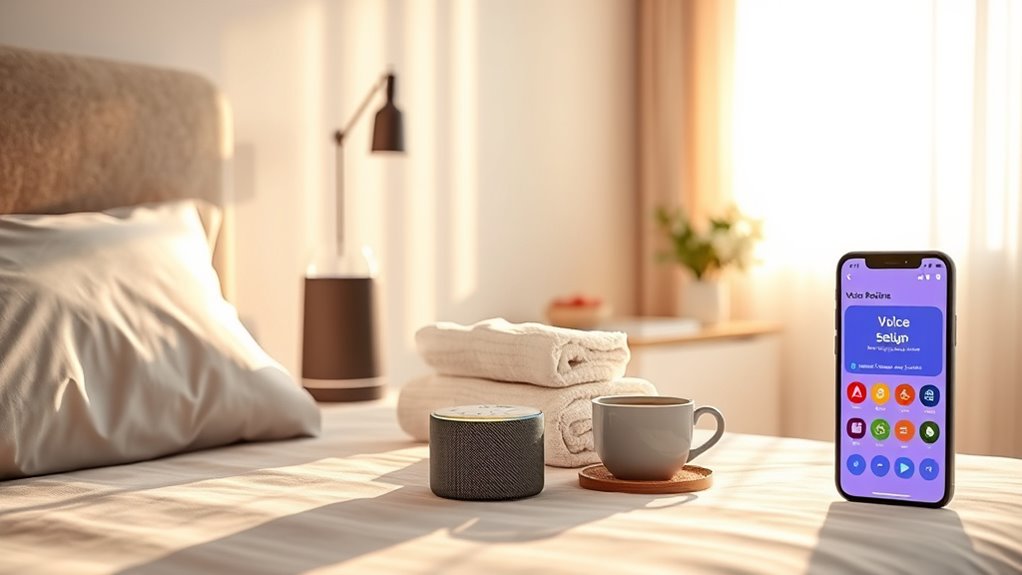

To set up voice routines for morning and night, start by opening your smart device’s app—like Google Home or Alexa—and navigate to routines or automation. Create a new routine for each time of day, adding actions like turning on lights, adjusting the thermostat, playing music, or providing weather updates. Use simple voice commands to activate these routines, making your mornings and evenings smoother. If you want helpful tips on optimizing your routines, keep exploring how to tailor them to fit your lifestyle.
Key Takeaways
- Define essential tasks for your morning and night routines, such as lighting, alarms, and media preferences.
- Use your voice assistant app to create custom routines triggered by specific commands like “Good morning” or “Good night.”
- Automate multiple devices simultaneously to streamline your start and end-of-day activities with single voice commands.
- Incorporate calming sounds, news updates, or weather reports into routines for an enhanced experience.
- Regularly review and adjust privacy settings to ensure routines remain secure and aligned with your privacy preferences.
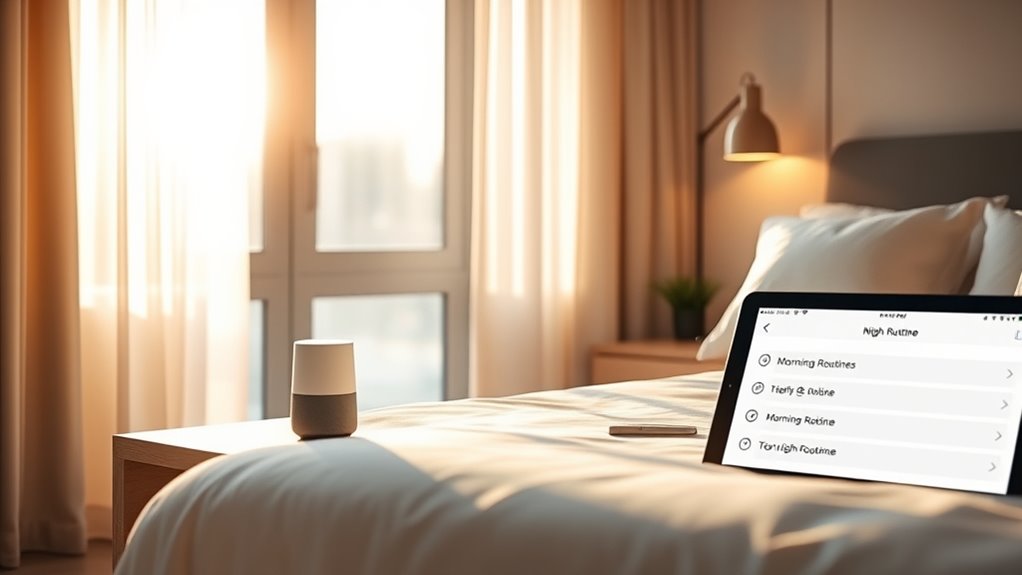
Establishing voice routines for morning and night can substantially improve your daily well-being and overall productivity. When you set up custom commands, you create a seamless way to start and end your day with minimal effort. These routines can include simple tasks like turning on lights, adjusting the thermostat, or playing your favorite morning playlist. By streamlining these actions through your voice assistant, you save time and reduce the mental clutter of managing multiple devices manually. However, as you customize these commands, it’s essential to contemplate voice assistant privacy. Being mindful of what information your voice assistant collects and how it’s stored helps protect your personal data. Adjust privacy settings to limit data sharing and review permissions regularly to ensure your routines don’t compromise your privacy.
Creating effective morning routines starts with determining what tasks you want automated. For example, you might say, “Good morning,” which triggers a series of custom commands—playing news updates, weather forecasts, or your preferred music. You can set up routines so that with a single voice command, your smart blinds open, your coffee maker starts brewing, and your alarm turns off. These custom commands make your mornings smoother, giving you more time to focus on what matters. At night, your routines can help you wind down. A simple command like “Good night” could turn off all the lights, lock the doors, and set your alarm. You might also add a calming sound or meditation playlist to help you relax. By automating these habits, you create a calming environment and ensure you don’t forget essential tasks before bed. Incorporating Glycolic Acid benefits into your skincare routine can further enhance your skin health, complementing your self-care rituals.
As you develop these routines, keep privacy considerations front and center. Voice assistant privacy isn’t just about data security; it’s also about control. Regularly review your privacy settings to confirm your voice data isn’t being stored longer than necessary. Some voice assistants allow you to delete recordings or disable certain features that might inadvertently capture sensitive conversations. Using custom commands thoughtfully means you can automate routines without exposing yourself to unnecessary privacy risks. Be cautious about what information you include in your routines—avoid commands that might inadvertently share private details or trigger unintended responses. Taking these steps ensures your voice routines enhance your daily life without compromising your privacy or security. With a little planning and ongoing privacy management, your morning and night routines can become powerful tools to improve both your productivity and peace of mind.
Amazon Alexa smart home routines
As an affiliate, we earn on qualifying purchases.
As an affiliate, we earn on qualifying purchases.
Frequently Asked Questions
Can I Customize Voice Routines for Multiple Users?
Yes, you can customize voice routines for multiple users by using multi-user customization features. You simply need to set up individual profiles, allowing each person to have personalized voice commands and routines. This way, your device can recognize different voices and respond accordingly. It’s a great way to tailor your smart home experience, ensuring everyone gets the specific routines and commands they prefer without interference.
How Do I Troubleshoot Voice Routine Activation Issues?
Ever wonder why your voice routines aren’t activating? First, check your device’s voice recognition accuracy—poor recognition can cause delays. Make sure your microphone isn’t obstructed and that your language settings are correct. Restart your device if needed. Is your routine properly scheduled? Sometimes, routine delays happen due to connectivity issues or overlapping commands. Regularly update your device software to fix bugs and improve voice recognition performance.
Are Voice Routines Compatible With All Smart Home Devices?
Voice routines are not compatible with all smart home devices due to voice assistant limitations and device compatibility issues. You’ll find that some devices may not respond or integrate smoothly with your voice assistant, especially older or less common brands. To avoid frustration, check device compatibility before setting up routines, and confirm your voice assistant supports your smart devices. This way, you can enjoy seamless automation without running into compatibility hiccups.
Can I Set Different Routines for Weekends and Weekdays?
Yes, you can set different routines for weekends and weekdays by customizing your schedule options. Many smart home systems allow you to create specific voice routines for each day type, so your mornings and nights are tailored to your routine. You simply need to adjust the settings in your app, selecting the days you want each routine to activate. This way, your smart home adapts seamlessly to your weekend vs weekday routines.
How Secure Is My Data When Using Voice Routines?
Are your privacy concerns valid? When you use voice routines, your data is typically protected through data encryption, which secures your information during transmission and storage. While tech companies implement strict security measures, no system is entirely invulnerable. You should review privacy policies and adjust settings to limit data sharing. Ultimately, staying informed helps you balance convenience with security, ensuring your voice commands remain as private as you want them to be.
Conclusion
As you set up your voice routines, you’ll find small moments of calm that unexpectedly brighten your day. It’s funny how a simple command in the morning can shift your mood, or how a gentle goodnight can ease your mind. These routines become more than just habits—they’re little coincidences that remind you you’re in control, creating comfort when you least expect it. Embrace these moments; they’ll quietly transform your mornings and nights into something truly special.