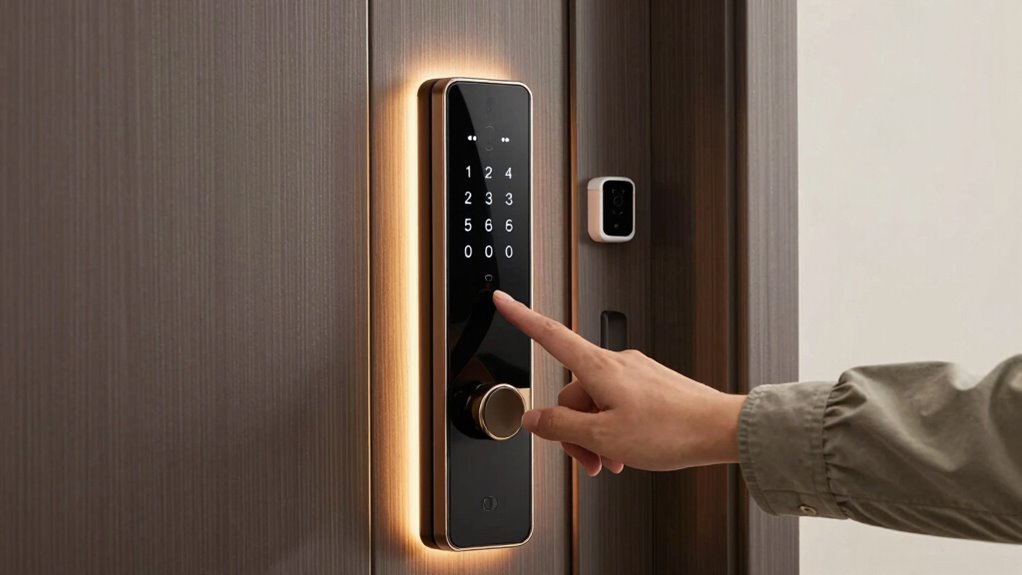

To create safer guest access for smart locks, use a system that offers unique, time-limited credentials and supports multi-factor authentication like digital codes plus biometrics. Generate one-time access codes for each guest, and send digital keys via apps for secure entry. Set scheduled access windows, revoke credentials after departures, and restrict permissions to necessary areas only. Monitoring access logs regularly helps catch suspicious activity early. If you’re interested, there’s more to know about building an all-encompassing security approach.

Get furniture and decor delivered free — and shop member deals
- Fast, free delivery on millions of items
- Access to Prime Big Deal Days deals on October 6–7
- Prime Video, Amazon Music and more included
Key Takeaways
- Use unique, time-limited access codes or digital keys for each guest to prevent sharing.
- Enable multi-factor authentication, such as a digital code combined with fingerprint or facial recognition.
- Assign access rights selectively, restricting guests to necessary areas only.
- Regularly review access logs for suspicious activity and revoke credentials immediately if needed.
- Educate guests on security protocols and encourage reporting of any security concerns.
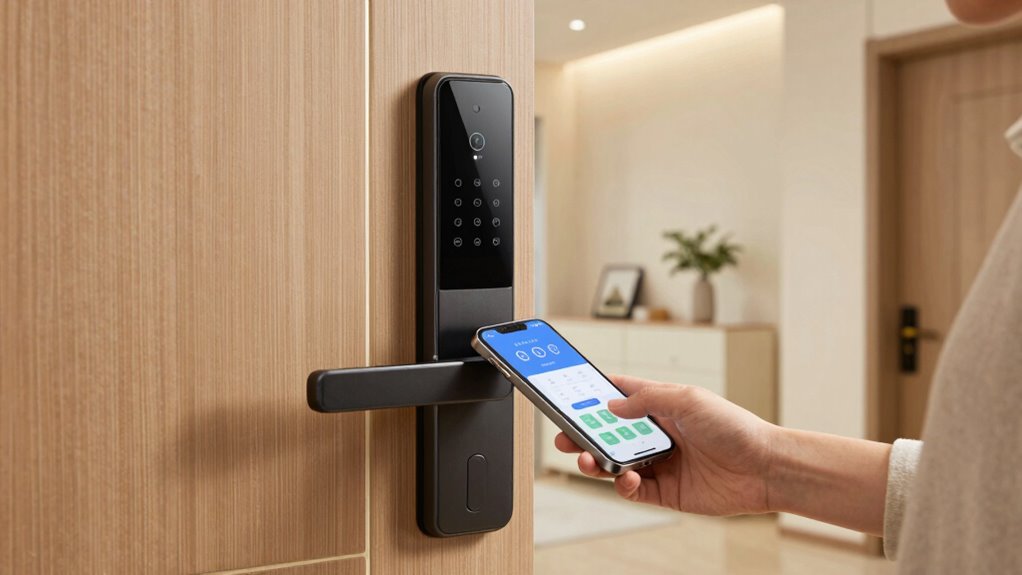
Smart locks offer convenience, but guaranteeing secure guest access requires careful setup. When you’re managing a property or hosting visitors, you want to make sure that only authorized guests can enter without creating unnecessary security risks. The key to this is implementing effective guest authentication and access control measures. Guest authentication verifies who your visitors are, while access control determines what parts of your property they can reach. Combining these strategies helps you keep your space safe while providing a seamless experience for your guests.
Effective guest access with smart locks depends on proper authentication and tailored access control for safety and convenience.
Start by choosing a smart lock system that offers robust guest authentication options. Many modern locks let you generate temporary access codes, send unique digital keys, or utilize mobile apps for entry. When you send a guest their access credentials, make sure they’re unique and time-limited. This prevents anyone from sharing codes or keys beyond the intended period. If your system supports it, set up scheduled access windows that automatically expire after the guest’s stay ends. This way, you don’t have to manually revoke access, reducing the risk of forgotten permissions.
Incorporate multi-factor authentication if your smart lock supports it. For example, some systems combine a digital code with a fingerprint scan or facial recognition, adding layers of security. This ensures that even if a code is compromised, unauthorized users still can’t gain entry without additional verification. It’s especially useful if you’re hosting multiple guests or dealing with high-value properties.
Access control settings also matter. Limit guest permissions to only the areas they need to access. For instance, if your property has multiple doors or restricted zones, assign access rights accordingly. You don’t want guests to have entry to private storage rooms or staff-only areas. Many smart lock apps allow you to customize access rights per guest, so you can easily manage who goes where.
Keep close tabs on your access logs. Many smart locks record entry and exit times, giving you a record of who accessed your property and when. Regularly check these logs to spot any suspicious activity or unauthorized attempts. If you notice any anomalies, revoke or change credentials immediately. Additionally, understanding the importance of security features helps you make informed choices when selecting a smart lock system.
Finally, educate your guests about the importance of security. Remind them not to share their access codes or digital keys and to report any issues promptly. By combining thoughtful guest authentication, precise access control, and vigilant monitoring, you create a safer environment. This way, you enjoy the convenience of smart locks without sacrificing security, giving both you and your guests peace of mind.
smart lock with temporary access codes
As an affiliate, we earn on qualifying purchases.
As an affiliate, we earn on qualifying purchases.
Frequently Asked Questions
Can Guests Change the Smart Lock’s Master Code?
No, guests can’t change the master code, ensuring your main access remains secure. Instead, you can set up guest code customization, giving each visitor a unique access code. To enhance security, use access code expiration, so their codes automatically deactivate after their stay. This way, you maintain control over who enters your property, prevent unauthorized access, and keep your smart lock system safe and manageable for all guests.
How Long Can a Guest Access Code Remain Valid?
A guest access code can stay valid as long as you set it. You might worry about security, but with temporary access and scheduled expiration, you control how long guests can enter. Imagine giving a neighbor a code just for the weekend—once the scheduled expiration passes, their access automatically ends. This way, you enjoy convenience without compromising safety, ensuring guests have just the right amount of time inside.
Are Guest Access Codes Encrypted for Security?
Yes, guest access codes are often encrypted for security. Modern smart locks use encryption protocols like AES or TLS to protect access code management and prevent unauthorized access. When you set up or share codes, guarantee the system employs strong encryption standards. This way, even if data is intercepted, the encrypted codes remain secure, helping you maintain control over guest access and safeguarding your property effectively.
How Do I Revoke Guest Access Remotely?
To revoke guest access remotely, you simply log into your smart lock app, select the guest’s access code or permission, and deactivate or delete it. This action protects guest privacy by ensuring only authorized individuals can enter. Regularly perform access audits to monitor who has entry and revoke permissions for guests who no longer need access. Staying proactive keeps your smart lock secure and your home safe.
What Are the Best Practices for Sharing Access Codes Securely?
To share access codes securely, prioritize guest privacy by avoiding public posting. Use a trusted method like encrypted messaging or a secure app to send codes directly. Limit code sharing to necessary guests and change codes after each visit for better access management. Also, consider setting time restrictions on access to prevent unauthorized use. This way, you guarantee safe, private, and manageable guest access to your smart lock.
Conclusion
By following these tips, you can confidently provide guest access to your smart lock without compromising your security. Some might worry about losing control, but using temporary codes and monitoring access guarantees you stay in charge. Remember, safeguarding your home isn’t about restricting trust—it’s about building it smartly. So go ahead, invite guests in with peace of mind, knowing your smart lock keeps your home safe while welcoming others.
Halloween Picks
halloween
As an affiliate, we earn on qualifying purchases.