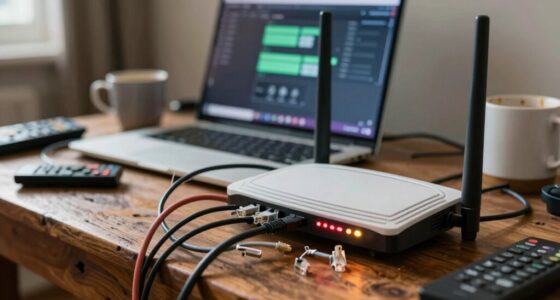

Your Wi-Fi performance largely depends on where you place your router. Proper placement guarantees better signal strength, minimizes interference, and provides more reliable coverage without extra costs. Even the best equipment can’t improve your connection if it’s hidden behind walls or placed near metal objects. By optimizing your router’s position first, you can fix many issues before considering additional gear. Stick around to discover simple positioning tips that could make a real difference.

Get furniture and decor delivered free with Prime
- Fast, free delivery on millions of items
- Prime Video, Amazon Music and more included
- Member-only deals all year
Key Takeaways
- Proper placement optimizes existing signal coverage, often eliminating the need for additional equipment.
- Environmental factors like walls and interference have a greater impact on Wi-Fi quality than hardware upgrades.
- Strategic router positioning is a cost-effective way to improve performance without investing in new gear.
- Adjusting placement can resolve connectivity issues caused by interference or weak signals more efficiently.
- Prioritizing placement awareness enhances network stability before considering costly hardware additions.
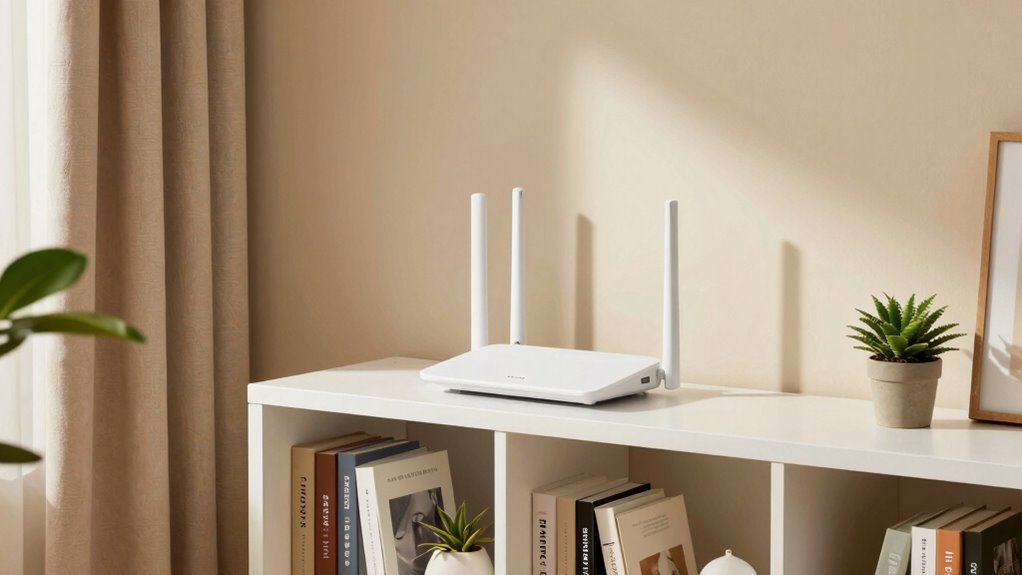
To get the best Wi-Fi signal throughout your home, proper router placement is essential. Instead of rushing to buy more gear, start by optimizing where your current router sits. The placement directly impacts Wi-Fi performance, and even the most advanced equipment can struggle if it’s not positioned correctly. When you place your router poorly, Wi Fi interference can become a major issue, causing slow speeds, dropped connections, and dead zones. By focusing on signal optimization, you can often resolve these problems without additional expenses.
Proper router placement boosts Wi-Fi performance and reduces interference without extra costs.
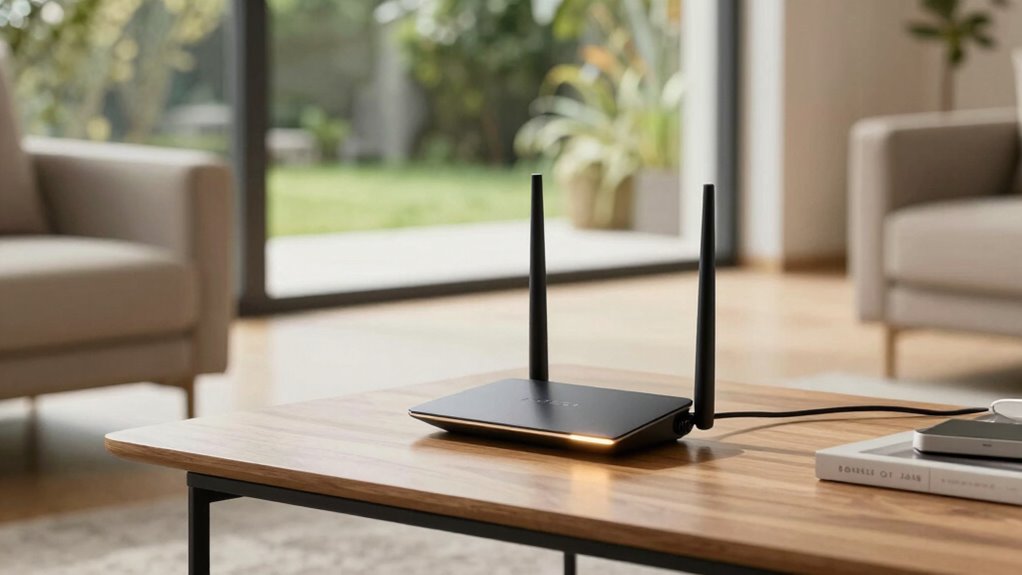
Keep in mind that Wi-Fi signals tend to weaken when passing through walls, furniture, or appliances. To minimize Wi Fi interference, avoid placing your router near metal objects, microwaves, cordless phones, or thick walls. Instead, position it in a central location, preferably elevated on a shelf or high on a wall, to allow the signal to spread evenly. This helps ensure that your devices receive a strong, consistent connection regardless of their location. Remember, the goal is to maximize coverage and minimize dead zones, which often means experimenting with different spots before settling on the best one.
Many people overlook how the environment affects Wi-Fi signals. For example, placing your router close to large mirrors or fish tanks can cause signal reflection or absorption, reducing overall coverage. Also, avoid placing the router near other electronics that emit radio waves, as they can cause Wi Fi interference, further degrading your connection. Sometimes, relocating your router even a few feet can make a substantial difference in signal strength and reliability. Additionally, understanding Wi-Fi interference sources can help you better troubleshoot and optimize your network placement. Furthermore, using interference mitigation techniques can further improve your Wi-Fi performance in challenging environments. An awareness of environmental factors such as signal reflection or absorption can assist in making more informed placement decisions and enhance overall network stability. Being mindful of electromagnetic interference sources around your home can also help you maintain a strong and reliable Wi-Fi connection.
As an affiliate, we earn on qualifying purchases.
Frequently Asked Questions
How Does Router Placement Affect Wi-Fi Speed and Coverage?
You can improve your Wi-Fi speed and coverage by carefully placing your router. Proper placement minimizes wireless interference from other devices and reduces signal attenuation caused by walls and furniture. Keep the router central, elevated, and away from metal objects or electronics that could disrupt the signal. This way, your Wi-Fi remains strong and consistent, avoiding dead zones and ensuring faster speeds without needing to buy more gear.
Can Adjusting Router Placement Improve Signal Strength in Specific Rooms?
Did you know that proper router placement can boost signal strength by up to 50%? Adjusting your router’s placement can definitely improve signal strength in specific rooms. By avoiding interference sources like thick walls or electronic devices and using effective placement strategies—such as positioning the router centrally—you can enhance coverage. Moving the router to higher, open spots often results in stronger, more consistent Wi-Fi signals where you need them most.
What Are Common Placement Mistakes That Weaken Wi-Fi Signals?
You often weaken Wi-Fi signals by placing your router near interference sources like microwaves, cordless phones, or thick walls. Avoid placing it on the floor; instead, keep it at an ideal height—about chest to shoulder level—to maximize coverage. Also, steer clear of metal objects and large appliances that can block signals. Proper placement helps reduce interference and improves overall signal strength, so you get better connectivity throughout your space.
Does Router Placement Influence the Number of Devices Connected?
Think of your router as a lighthouse guiding ships. Its placement influences how many devices can connect smoothly, like ships steering safely. If you place your router near signal interference sources or physical obstructions, fewer devices stay connected reliably. Proper placement guarantees a stronger signal, reducing interference and allowing more devices to connect simultaneously. Keep your router in an open, central spot to maximize connection capacity and performance.
How Often Should I Reposition My Router for Optimal Performance?
You should reposition your router whenever you notice signal interference or inconsistent connection speeds. Aim to do this every few months or if you add new electronic devices nearby. Keep the router at a higher height, like on a shelf, to improve coverage. Adjusting its position helps reduce signal interference from walls or appliances, ensuring you get the best performance without constantly needing to buy more gear.
Conclusion
Think of your router as the heart of your home’s digital pulse. When you place it wisely, you’re guiding the flow of connection like a steady heartbeat through every room. But if you clutter your space with more gear, it’s like adding more walls to a maze, blocking that essential rhythm. So, focus on your router’s spot—let it be the beacon that keeps your internet vibrant and strong, no matter how many devices you bring into the fold.
Halloween Picks
halloween
As an affiliate, we earn on qualifying purchases.