
Securing your home network starts with using strong Wi-Fi encryption like WPA3 or WPA2 and creating complex, unique passwords that you change regularly. Disable outdated protocols such as WEP and keep your router firmware up to date to patch vulnerabilities. Set up a separate guest network to keep visitors away from your main devices and regularly monitor connected devices for unauthorized access. Mastering these basics can considerably boost your network’s security—discover more ways to protect your digital space as you continue to explore.
Key Takeaways
- Enable WPA3 or WPA2 encryption to secure your Wi-Fi network and prevent unauthorized access.
- Create strong, unique passwords for your Wi-Fi and router admin accounts; change them regularly.
- Disable outdated protocols like WEP to protect against known vulnerabilities.
- Set up network segmentation, such as guest networks, to isolate devices and enhance security.
- Regularly update router firmware and monitor connected devices to maintain a secure home network.
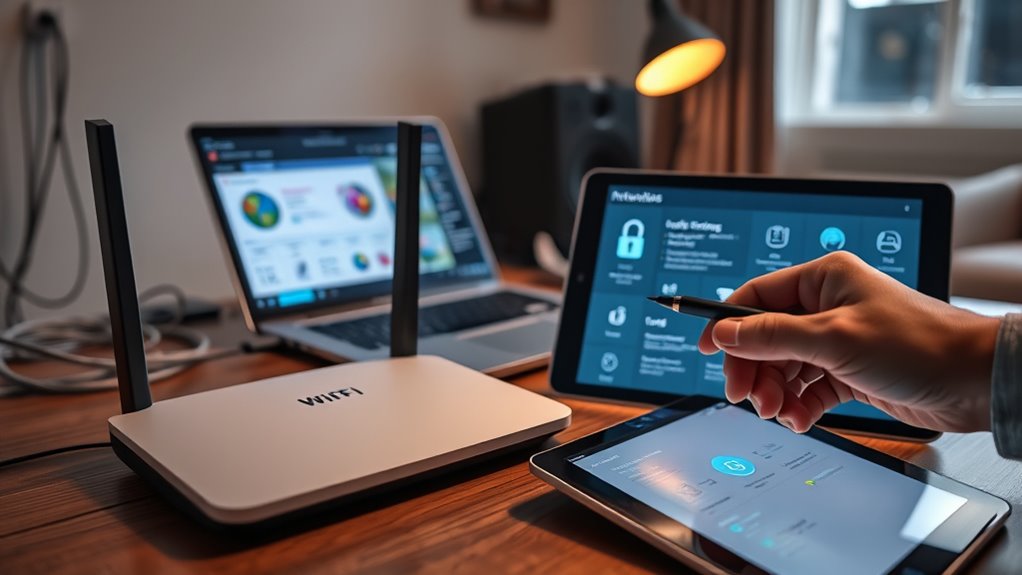
Securing your home network is essential in today’s connected world, where cyber threats are increasingly sophisticated. One of the first steps you should take is ensuring your Wi-Fi encryption is strong. Wi Fi encryption protects the data transmitted between your devices and your router, making it much harder for hackers to intercept sensitive information. Most modern routers support WPA3, the latest and most secure encryption standard, so it’s worth upgrading if yours doesn’t. If WPA3 isn’t available, WPA2 is still secure, but avoid older protocols like WEP, which are easily compromised. When setting up your Wi-Fi, always create a strong, unique password. Avoid common phrases or easily guessable details, and consider using a password manager to generate and store complex passwords.
Beyond encrypting your Wi-Fi, network segmentation adds another layer of security. This involves dividing your home network into separate segments or subnets, which isolates your important devices from less secure ones. For example, you can create a dedicated guest network for visitors, preventing their devices from accessing your primary devices like computers, smart home hubs, or security cameras. Many modern routers support network segmentation through features like VLANs (Virtual LANs) or multiple SSIDs. By segmenting your network, even if a guest device gets infected with malware, it won’t have direct access to your personal data or connected devices. This strategy markedly reduces the risk of a breach spreading across your entire network.
Implementing Wi Fi encryption and network segmentation is straightforward but incredibly effective. Access your router’s admin interface, usually through a web browser, and change the default admin password to something strong and unique. Enable the latest encryption standard, like WPA3, and set up a separate guest network if available. If your router supports VLANs, consider configuring them to isolate different device groups. Keep your router’s firmware up to date to patch known vulnerabilities and improve security features. Regularly review connected devices to identify unfamiliar or unauthorized access. Many routers provide a device list that shows what’s connected, so you can quickly spot suspicious activity. Additionally, understanding the importance of contrast ratio in your projector can significantly enhance your viewing experience, especially in darker scenes.
Incorporating these security practices doesn’t require advanced technical skills, but they form the foundation of a safer home network. By prioritizing Wi Fi encryption and network segmentation, you minimize your chances of falling victim to cyberattacks, protect your personal information, and keep your connected home secure. Remember, cybersecurity is an ongoing process, so stay vigilant and routinely update your security settings to adapt to evolving threats.
Frequently Asked Questions
How Often Should I Update My Router’s Firmware?
You should update your router’s firmware as often as possible, ideally once a month, to stay protected. This firmware update schedule ensures you get the latest router security patches, fixing vulnerabilities that hackers could exploit. Regular updates strengthen your network security, preventing unauthorized access. Check your router’s manufacturer’s website or settings menu regularly for new firmware releases, and install them promptly to keep your home network safe and secure.
What Are the Signs of a Compromised Home Network?
If your home network is compromised, you’ll notice network anomalies like sudden slowdowns, frequent disconnects, or unusual activity. You might also find unauthorized devices connected to your Wi-Fi, which shouldn’t be there. Keep an eye on your router’s admin panel for unfamiliar IP addresses or device names. These signs indicate someone may be accessing your network without permission, so act quickly to change passwords and update security settings.
Can I Secure My Wi-Fi Without Changing the Default Password?
Like the Trojan Horse in Greek mythology, default passwords can hide vulnerabilities. You can secure your Wi-Fi without changing them by enabling strong network encryption, such as WPA3 or WPA2. Also, disable WPS and hide your SSID to make your network less attractive to intruders. While these steps help, changing default passwords remains the most effective way to protect your home network from unauthorized access.
How Do I Set up Guest Wi-Fi Access Securely?
You can set up a guest Wi-Fi securely by creating a separate guest network on your router, enabling Wi-Fi segmentation. Access your router’s settings, find the guest network option, and enable it with a strong, unique password. Make sure it’s isolated from your main network so guests can access the internet but not your devices or files. This keeps your home network secure while allowing visitors internet access.
What Is the Best Way to Prevent Iot Device Hacking?
To prevent IoT device hacking, you should implement network segmentation by isolating your IoT devices from your main network. This limits hackers’ access if a device gets compromised. Additionally, enable device authentication, ensuring only trusted devices connect. Regularly update firmware and change default passwords. These steps make it harder for intruders to exploit vulnerabilities, keeping your network safer and your devices more secure.
Conclusion
By now, you see that securing your home network is like building a fortress—every layer matters. Implementing strong passwords, updating firmware, and enabling encryption are your shields against cyber threats. Remember, a secure network isn’t a one-time setup but an ongoing effort. Stay vigilant and proactive, so your digital life remains safe and sound, like a lighthouse guiding ships through stormy seas. Protecting your home network is the anchor that keeps your digital world steady.