
Wi-Fi dead zones happen when your signal can’t reach certain areas because of poor router placement, thick walls, or interference from devices like microwaves or cordless phones. Placing your router in a central, elevated spot away from obstacles and electronics can improve coverage. If you still face issues, consider using a mesh system to create a seamless network throughout your home. Keep exploring to learn more effective ways to eliminate dead zones and boost your Wi-Fi performance.
Key Takeaways
- Dead zones occur due to poor router placement, physical obstacles, and electronic interference blocking Wi-Fi signals.
- Placing your router in a central, elevated, and open location helps improve coverage and reduce dead spots.
- Thick walls, metal objects, and distance weaken signals, leading to connectivity issues in certain areas.
- Using mesh networking systems can eliminate dead zones by deploying multiple nodes for seamless coverage.
- Proper placement and advanced solutions like mesh systems enhance Wi-Fi strength, reliability, and overall coverage.
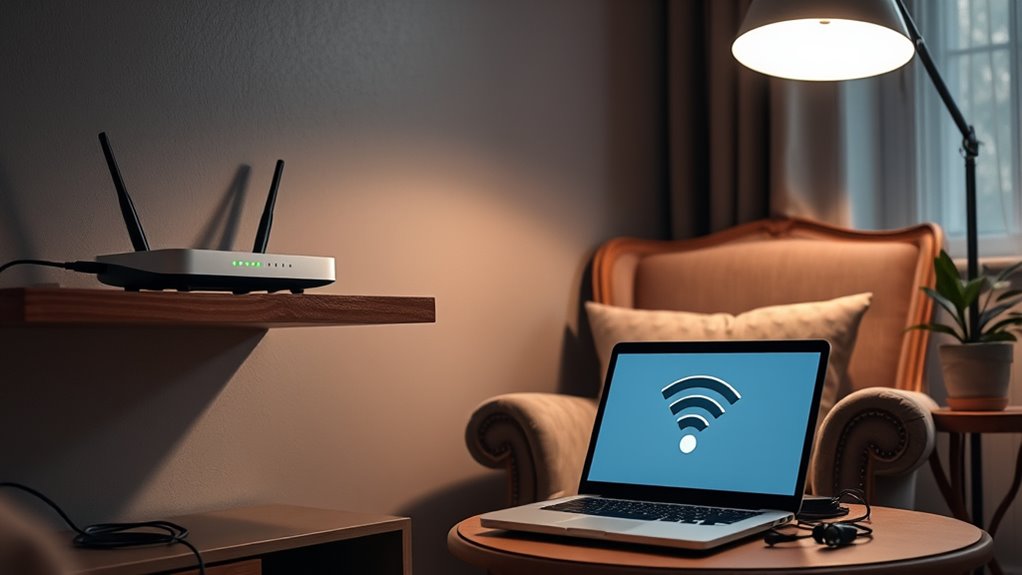
Wi-Fi dead zones occur when your wireless signal fails to reach certain areas, leaving you unable to connect or causing slow internet speeds. These dead spots can be frustrating, especially when you’re trying to stream, work, or browse without interruptions. One common cause is poor router placement. If your router sits tucked away in a closet or on a basement shelf, its signal may not adequately cover the entire house. To improve coverage, you need to think strategically about where you position your router. Ideally, place it in a central, elevated spot, away from thick walls, metal objects, and electronic interference. This helps maximize signal distribution and reduces dead zones.
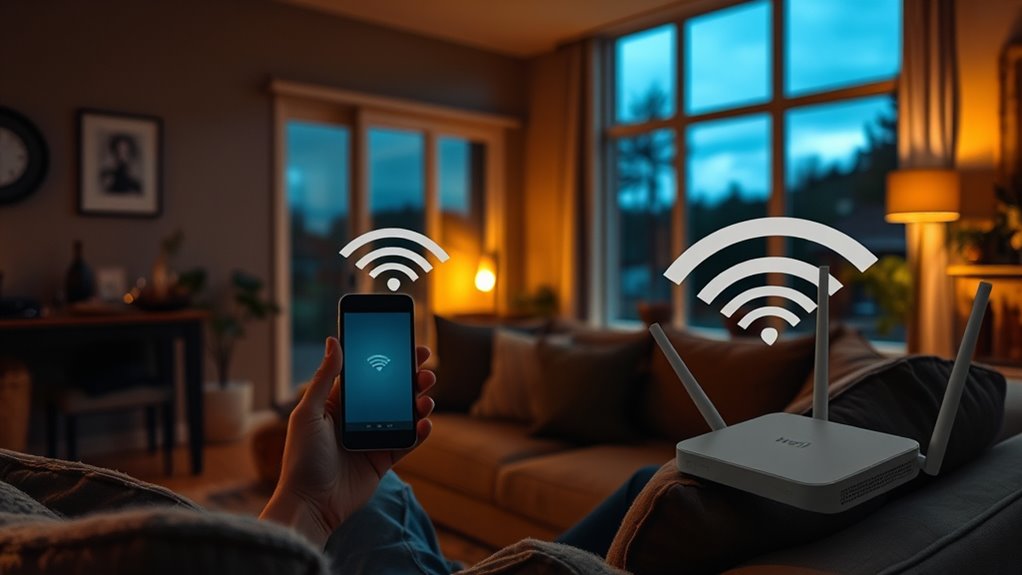
Beyond just moving your router, consider adopting mesh networking. Unlike traditional setups that rely on a single router, mesh systems use multiple devices working together to blanket your space with Wi-Fi. These nodes communicate seamlessly, creating a unified network that effectively eliminates dead zones. With mesh networking, you can place nodes in different areas of your home—such as the living room, upstairs bedrooms, or basement—ensuring a strong, consistent signal everywhere. This setup is especially beneficial for larger homes or spaces with thick walls that hinder signal spread.
Mesh systems use multiple devices to eliminate Wi-Fi dead zones seamlessly.
Router placement is essential because even the most advanced technology can underperform if positioned poorly. Avoid placing your router near cordless phones, microwave ovens, or other electronic devices that emit interference. Keep it off the floor and away from metal furniture, which can block or weaken signals. Elevated, open locations typically produce the best results, allowing your Wi-Fi to spread out more evenly.
Mesh networking offers a practical solution when simple placement adjustments aren’t enough. These networks are easy to set up and manage, often through smartphone apps, and they automatically reroute traffic around obstacles or issues. This means fewer dead zones and more reliable connections as you move from room to room. In addition to improving coverage, mesh systems often come with features like band steering and parental controls, enhancing overall network performance and security.
Frequently Asked Questions
Can Wi-Fi Dead Zones Affect Smart Home Device Performance?
Yes, Wi-Fi dead zones can greatly affect your smart home device performance. When these zones occur, your devices may experience connectivity issues, making smart home integration difficult and causing devices to malfunction or disconnect. To guarantee smooth operation, you should address dead zones by improving your Wi-Fi coverage, such as relocating your router or using extenders, so your smart devices stay connected and work seamlessly.
Do Wi-Fi Dead Zones Impact Internet Security?
Wi-Fi dead zones can impact your internet security by creating weak spots in your network security and compromising data privacy. When devices struggle to connect or stay connected, you might resort to insecure workarounds, increasing vulnerability. Dead zones can also prevent updates or security patches from being delivered promptly. To protect your network, guarantee all areas have strong coverage, and use encryption to safeguard your data privacy.
Are There Specific Router Brands Better at Eliminating Dead Zones?
Yes, some router brands are better at eliminating dead zones. When doing a router brand comparison, look for models with strong signal range and multiple antennas. Brands like Asus, Netgear, and TP-Link often excel in device compatibility testing and coverage. You should consider their mesh or Wi-Fi 6 options, which provide better signal stability and broader coverage, helping you reduce dead zones and improve your overall Wi-Fi experience.
How Do Weather Conditions Influence Wi-Fi Dead Zones?
Weather conditions can substantially influence your Wi-Fi signal by causing weather interference and signal attenuation. Heavy rain, snow, or fog can weaken your Wi-Fi signal, leading to dead zones, especially if your router is outdoors or near windows. Cold weather can also affect electronic components, reducing performance. To minimize these effects, keep your router indoors, away from windows, and ensure it’s well-ventilated to maintain a strong, stable connection.
Can Using Multiple Routers Eliminate All Dead Zones?
In the days of dial-up, dead zones could be frustrating, but today, using multiple routers can help. While it might not eliminate all dead zones, deploying mesh networks or signal repeaters markedly improves coverage. You actively extend your Wi-Fi’s reach, reducing dead spots. Think of it as creating a web of strong signals that blanket your space, ensuring seamless connectivity wherever you are.
Conclusion
Understanding Wi-Fi dead zones helps you troubleshoot and improve your connection. For example, imagine working from home and losing signal in your basement office. By repositioning your router or adding a Wi-Fi extender, you can eliminate dead spots and enjoy seamless connectivity. With a few simple fixes, you’ll stay connected no matter where you are in your home. Don’t let dead zones disrupt your day—take control and boost your Wi-Fi coverage today.