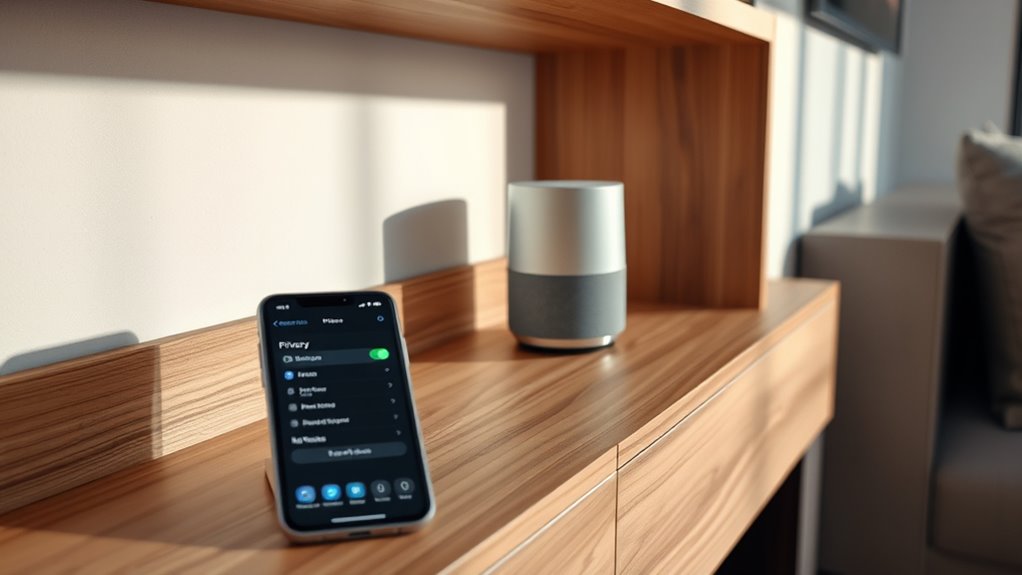

To protect your privacy, you can manage your voice assistant’s settings by reviewing and deleting voice recordings, disabling permanent storage, and turning off voice activity if preferred. You should also check connected third-party services, disable untrusted integrations, and regularly update your privacy preferences. Securing your data with strong passwords and security measures is essential. If you want to learn how to customize these controls and better safeguard your information, there’s more to explore.
Key Takeaways
- Review and delete your voice activity recordings regularly to control stored data.
- Disable options that permanently save voice recordings to enhance privacy.
- Manage third-party integrations by reviewing and disabling untrusted services.
- Adjust privacy settings to limit data sharing and storage duration.
- Understand security measures and ensure your device and account are protected from unauthorized access.

Have you ever wondered what happens to your voice commands after you speak them to your smart speaker or virtual assistant? When you activate your device, your spoken words are transmitted to servers for processing. This process involves voice data storage, where your commands are temporarily or permanently stored to improve service quality, personalize experiences, and troubleshoot issues. While it might seem straightforward, understanding how your voice data is stored and used is vital for maintaining your privacy. Many companies keep recordings in their storage systems, sometimes indefinitely, unless you change your settings or delete them. These stored recordings can be reviewed by company staff for quality assurance or training, which introduces privacy considerations. Knowing where your voice data resides, how long it’s kept, and whether it’s anonymized is essential for making informed privacy choices.
Additionally, your voice commands often interact with third-party integrations, expanding what your device can do—like controlling smart home devices, accessing third-party apps, or retrieving information from external services. These integrations require sharing your voice data with external providers, which can involve complex privacy arrangements. Some third-party services might store or process your voice data separately, raising concerns about how securely your information is handled beyond the primary assistant’s ecosystem. It’s important to review privacy policies of these third-party integrations and understand what data they collect, how they use it, and whether they share it with other entities. You might be surprised to learn that some integrations keep recordings longer than you’d expect, or that they analyze your commands to target advertising or improve their services. Additionally, backup and security protocols play a crucial role in safeguarding your stored voice data from unauthorized access or breaches.
To protect your privacy, most virtual assistants offer settings that let you control voice data storage. You can often disable voice recordings from being permanently stored or delete past recordings at any time. Some devices permit you to review voice activity and remove specific recordings, giving you more control over your data. It’s also wise to check which third-party integrations are connected to your device and disable any that you don’t trust or no longer use. Regularly updating your device’s privacy settings and understanding the scope of data sharing can help you minimize risks. Ultimately, knowing how your voice data is stored and how third-party integrations operate empowers you to take charge of your privacy and tailor your device’s behavior to suit your comfort level.
Frequently Asked Questions
Can Voice Assistants Recognize Multiple Users Simultaneously?
Yes, voice assistants can recognize multiple users through voice recognition technology. When you set up your device, it learns to distinguish between different voices, allowing it to personalize responses and access specific accounts. You simply need to enable multi-user recognition in the settings. This way, your voice assistant can efficiently identify multiple users, providing tailored suggestions and maintaining privacy for each person in your household.
How Long Does Voice Assistant Data Stay Stored?
Did you know that most voice assistants store your data for up to 18 months? Your data retention depends on the device and company’s privacy policies, which you should review regularly. Typically, your voice recordings stay stored until you delete them or the company automatically purges them. Always check the privacy policies to understand how long your data is kept and how to control or delete your stored information.
Are Voice Assistant Recordings Anonymized?
Your voice assistant recordings are often anonymized, but it varies by provider. They typically use voice data encryption to protect your recordings and guarantee privacy. Companies also follow their privacy policy compliance to handle your data responsibly. You should review the specific privacy policies of your voice assistant to understand how your recordings are anonymized and what measures they take to safeguard your privacy.
Can I Delete Specific Voice Commands From My History?
You can definitely delete specific voice commands from your history using privacy control options. Imagine reviewing your voice command history and choosing to remove sensitive or unnecessary commands—this helps safeguard your privacy. Most voice assistants allow you to perform voice command deletion easily, giving you control over your data. Regularly managing your privacy settings ensures you stay in charge of what information is stored and what remains private.
Do Voice Assistants Share Data With Third-Party Apps?
Yes, voice assistants do share data with third-party apps through third-party integrations. However, they follow data sharing policies that limit what information is shared and how it’s used. You should review these policies and adjust your settings if you want more control. Keep in mind that some data sharing may be necessary for certain features, but you can often customize permissions to protect your privacy.
Conclusion
Remember, protecting your privacy with voice assistants is just a few quick adjustments away. While it might seem inconvenient to tweak settings, doing so keeps your personal info safer without sacrificing convenience. You don’t have to turn off your device completely—simple changes like managing voice recordings or disabling features you don’t need make a big difference. Take control today, and enjoy the benefits of a smarter, safer voice assistant experience without feeling exposed.