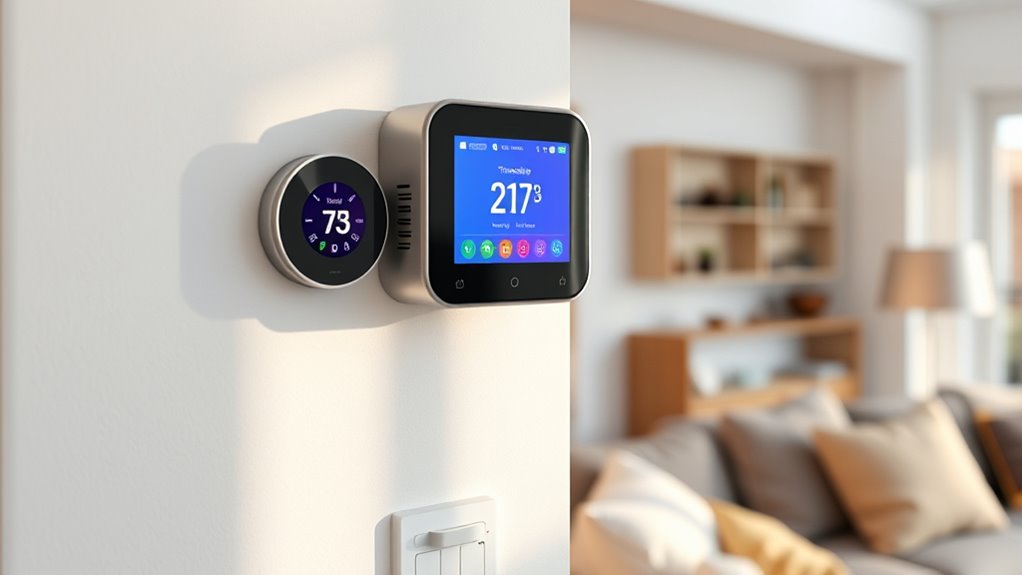

Smart thermostat schedules help you stay comfortable and save money by automatically adjusting heating and cooling based on your routines. You can create custom settings for different times or days, and smart features learn your habits over time for better efficiency. With remote control options, you can fine-tune your environment anytime, ensuring comfort without wasting energy. Keep exploring to discover how to optimize your schedule even further for maximum savings and comfort.
Key Takeaways
- Create personalized schedules to optimize comfort during specific times and days.
- Utilize adaptive learning to automatically adjust settings based on your habits.
- Use remote control via smartphone apps to modify schedules for flexibility and convenience.
- Balance energy savings and comfort by pre-heating or cooling in advance of your arrival.
- Track energy consumption to identify savings opportunities and promote eco-friendly habits.

Smart thermostat schedules allow you to optimize your home’s heating and cooling, saving energy and money while maintaining comfort. By setting up a schedule that aligns with your daily routine, you prevent your HVAC system from running unnecessarily during times you’re away or asleep. This targeted approach enhances energy efficiency, meaning you use less energy without sacrificing comfort. When your system isn’t running nonstop, you lower your utility bills and reduce your carbon footprint. The beauty of modern smart thermostats is that they offer user customization, giving you control over your environment with just a few taps or voice commands. You can tailor schedules to fit your specific lifestyle, whether you’re working from home, traveling, or sleeping in late on weekends.
Smart thermostats help save energy and money by customizing your home’s heating and cooling to fit your routine.
With user customization, you’re not locked into a one-size-fits-all schedule. Instead, you can create multiple temperature settings for different times of the day or week. For example, you might set the thermostat to lower the temperature during work hours when you’re not home, then ramp it up shortly before you return. At night, you can program a cooler or warmer setting to match your sleeping preferences. Some smart thermostats even learn your habits over time, automatically adjusting schedules to maximize comfort and efficiency without requiring constant input. This adaptive feature ensures your home stays cozy when you need it, but conserves energy when it’s unnecessary.
Additionally, you can make real-time adjustments via smartphone apps, giving you flexibility even when you’re away from home. If you unexpectedly stay late at work, you can delay heating or cooling, avoiding waste. Conversely, if you’re heading home early, you can pre-heat or pre-cool your space for immediate comfort. This level of control enhances user customization, allowing you to fine-tune your environment to your preferences and schedule changes. Over time, as your habits evolve, you can modify your schedules easily, ensuring your energy efficiency stays optimized.
Another benefit is understanding your energy consumption, which can help you identify ways to save even more over time. In essence, smart thermostat schedules empower you to manage your home’s climate precisely. They help reduce energy consumption, lower costs, and improve overall comfort through thoughtful automation and customization. With a little initial setup, you benefit from ongoing savings and a home that adapts to your lifestyle. By leveraging these features, you make smarter decisions about energy use, all while enjoying a comfortable environment tailored specifically to your needs. That’s the true advantage of integrating smart scheduling into your home—more control, more savings, and more comfort.
Frequently Asked Questions
How Do I Reset My Smart Thermostat Schedule?
To reset your smart thermostat schedule, you typically go to the device’s settings menu and select “schedule customization” or “factory reset.” This clears your current user preferences and restores default settings. Make sure to confirm the reset, then re-enter your preferred schedule if needed. This process helps you start fresh, giving you control over your comfort and savings by customizing your schedule to fit your lifestyle.
Can I Sync Schedules With Multiple Thermostats?
Imagine you’re the captain of a starship, steering multiple thermostats with ease. Yes, you can sync schedules with multiple thermostats using multi-thermostat synchronization and schedule sharing options. Most smart thermostats let you coordinate settings across devices, ensuring consistent comfort and energy savings. Just link them through your app, select shared schedules, and you’re good to go. This seamless coordination simplifies managing your home’s climate, making it smarter and more efficient.
What’s the Best Schedule for Energy Efficiency?
The best schedule for energy efficiency involves setting consistent temperature patterns that align with your daily routines. Use scheduling strategies like lowering the temperature during the night and when you’re away, then raising it before you return home. Keep your thermostat at a comfortable, energy-saving setting during unoccupied hours. This approach minimizes energy waste while maintaining comfort, helping you save on utility bills without sacrificing your preferred environment.
How Do I Override the Schedule Temporarily?
You can easily override your thermostat’s schedule with manual adjustments. Simply access the thermostat’s control panel or app, and select the option for a temporary override or manual mode. This temporarily suspends the programmed schedule, allowing you to set a specific temperature. Usually, the override lasts for a few hours or until the next scheduled change — perfect for when you need immediate comfort or energy control.
Are There Any Privacy Concerns With Smart Thermostat Data?
You might have privacy concerns with smart thermostat data, as there are potential privacy risks involved. Your device collects information about your habits, which could be accessed if data security isn’t robust. To protect yourself, verify your thermostat’s software is up-to-date and use strong, unique passwords. Check the privacy policy of your device manufacturer and consider adjusting privacy settings to limit data sharing, reducing your privacy risks.
Conclusion
By setting smart thermostat schedules, you’re not just saving money—you’re transforming your home into a haven of perfect comfort. With these schedules, you’ll never have to worry about wasting energy or feeling too hot or cold again. It’s like having a personal climate wizard working tirelessly for you 24/7. Embrace these tips, and watch your home become the ultimate sanctuary where comfort and savings reign supreme—more powerful than a superhero’s might!