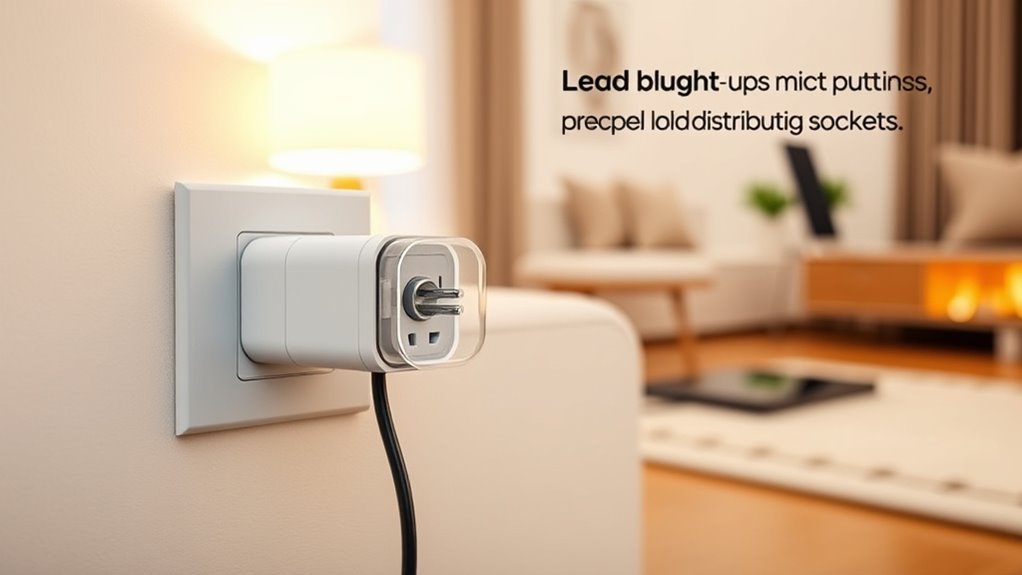

To use smart plugs safely, make certain you don’t overload them by checking their wattage capacity and avoiding plugging in high-power devices that exceed this limit. Proper placement is key: keep outdoor units sheltered from rain and moisture, and away from water sources. Use surge protectors for outdoor setups, and unplug devices when not in use or during storms. Following these tips helps protect your devices and prolongs their lifespan—continue to explore for more safety insights.
Key Takeaways
- Always check device wattage against the smart plug’s maximum capacity to prevent overloads.
- Place indoor smart plugs away from water sources and moisture for safety.
- Use weatherproof covers and rated outdoor plugs, and shelter them from rain and snow.
- Incorporate surge protectors outdoors to guard against voltage spikes from storms.
- Unplug smart plugs when not in use and follow manufacturer guidelines for secure installation.
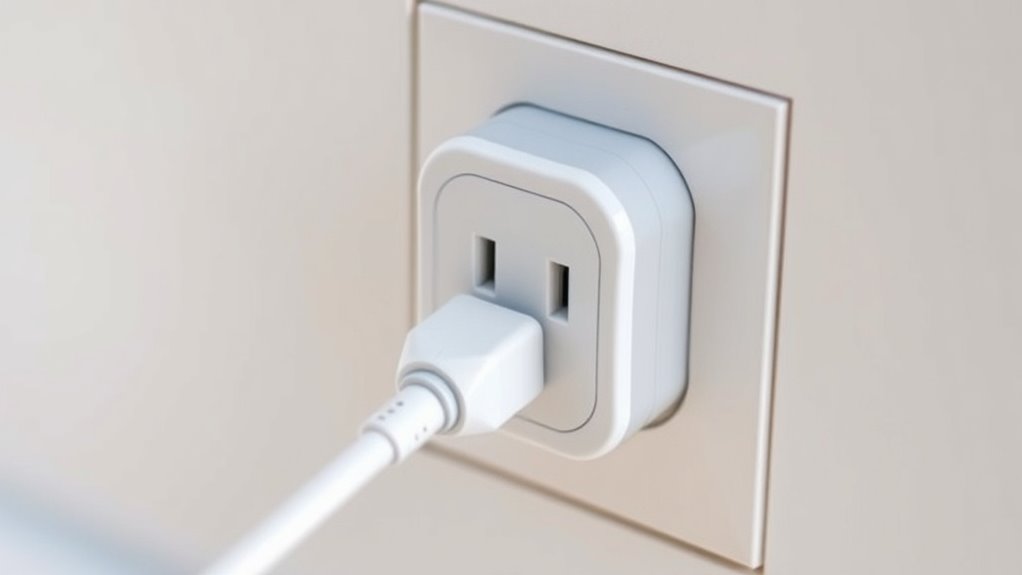
Smart plugs can make your everyday life more convenient, but it’s vital to use them safely to prevent accidents. When considering load and placement, you need to be mindful of how much power your devices draw and where you position the plugs, especially if you plan to use them outdoors. Overloading a smart plug can cause overheating or electrical fires, so always check the device’s wattage and compare it to the plug’s maximum capacity. If a device requires more power than the smart plug can handle, don’t force it—use a dedicated outlet or a more robust power strip designed for high loads. Proper load management is essential to maintain safety and prolong the life of your smart plug.
In outdoor usage, weather conditions present an additional safety concern. Smart plugs intended for outdoor use often come with protective covers and are built to withstand moisture, but you must still ensure they’re installed in a sheltered location. Avoid placing smart plugs in areas prone to rain, snow, or excessive humidity unless they’re specifically rated for outdoor use. Water exposure can cause short circuits or damage to the device, increasing the risk of electrical hazards. Always follow the manufacturer’s guidelines for outdoor placement and consider using surge protection devices alongside your smart plug. Surge protectors can shield your devices from voltage spikes caused by lightning strikes or power fluctuations, which are more common outdoors and can cause significant damage.
When installing smart plugs outside, ensure they’re positioned securely and away from potential physical damage. Keep cords and plugs out of reach of children and pets, and avoid placing them where they could be submerged or exposed to water. If your smart plug has a weatherproof rating, double-check that it’s properly sealed and connected to a grounded power source. Using surge protection not only guards your devices but also helps prevent surges from damaging your smart plug itself. Remember to unplug outdoor smart plugs during storms or when not in use for extended periods, even if they’re weatherproof, to minimize risk. Additionally, understanding the load capacity of your smart plug helps prevent overloading and ensures safe operation over time.

Aluminum Attic Ladder - Retractable Loft Stairs, Folding Pull-Down Design, Manual Lifting for 7'8"-10'3" Ceiling Height, 22.5" x 54", 375 lbs Capacity
【Installation & Use】With a retractable and folding design, the loft stairs can be easily pulled down and opened....
As an affiliate, we earn on qualifying purchases.
Frequently Asked Questions
Can I Use Smart Plugs Outdoors Safely?
Yes, you can use smart plugs outdoors safely if you choose weatherproofing safety measures. Make certain to select outdoor-rated smart plugs designed for exposure to elements. Proper outdoor plug placement is essential—install them in sheltered locations away from direct rain or snow. Keep cords and connections dry, and regularly check for damage. By following these safety tips, you guarantee your outdoor smart plug setup remains secure and functional in any weather.
Are Smart Plugs Compatible With All Home Appliances?
Smart plugs are like a universal key, but they don’t fit all locks. Not all appliances are compatible, especially high-power devices or those with complex features. Check your smart plug’s compatibility and features to guarantee it works with your specific appliances. Some smart plugs are designed for lights or small electronics, so always verify before plugging in. This way, you keep your smart home running smoothly without surprises.
How Do I Reset a Smart Plug After a Power Surge?
To reset your smart plug after a power surge, first unplug it and disconnect from the power source. Check if surge protection was triggered—some plugs have a reset button or indicator light. Follow the reset process outlined in the manual, usually pressing and holding a button for several seconds. Once reset, plug it back in and test its functionality. This guarantees your smart plug recovers safely from the surge.
What Is the Maximum Load Capacity for Smart Plugs?
Imagine plugging in a coffee maker and a small fan; your smart plug should handle around 10-15 amps, or roughly 1200 watts. The maximum load capacity depends on the smart plug’s electrical wiring and surge protection ratings, so always verify the manufacturer’s specs. Exceeding this can cause overheating or damage. To stay safe, avoid overloading and ensure your smart plug is rated for your device’s power needs.
Can I Control Smart Plugs Remotely Without Wi-Fi?
You can’t control smart plugs remotely without Wi-Fi because they rely on Wi-Fi connectivity for remote control. Without a stable Wi-Fi connection, you won’t be able to turn devices on or off from afar. If you want remote control options, make sure your smart plug is connected to a reliable Wi-Fi network. Otherwise, you’re limited to local control via physical switches or app when Wi-Fi is available.

12.5FT Telescoping Ladder, 330lb Capacity Aluminum Heavy-Duty Extension Ladder with Anti-Slip Steps for Secure Attic Access, Roof, and Home Renovation Projects
New design:All black cool color matching . Add additional triangle stabilizers on the telescopic ladder, this new design...
As an affiliate, we earn on qualifying purchases.
Conclusion
By following proper load limits and smart placement, you’ll keep your smart plugs working smoothly and safely. Think of your smart plug as the captain of a ship—if you overload it, the journey gets rough. Always stay within the recommended wattage and position your devices thoughtfully. With these simple precautions, your smart home will run like a well-oiled machine, giving you peace of mind and a safer, smarter space to enjoy.
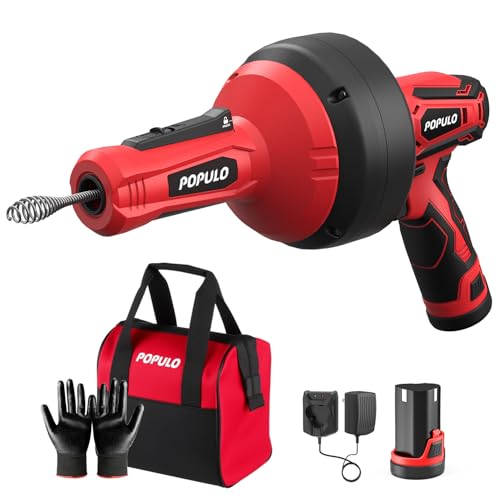
POPULO 12V Cordless Electric Drain Auger, Auto Feed Plumbing Snake Drain for Unclog Sink Drain 3/4"-2" Pipe, 16.8 FT Snake Hair Drain Clog Remover Cleaner Tools for Shower, Kitchen, Bathtub, Sink
NOTE - This electric drain snake auger is suitable for 3/4''-2''pipe. Recommended in KITCHEN SINK, BATHTUB DRAIN, SHOWER...
As an affiliate, we earn on qualifying purchases.

EVIQO Level 2 EV Charger, 40 Amp, J1772 for Non-Tesla EVs, 25ft Cable, WiFi (2.4GHz) Smart App, Weatherproof Indoor/Outdoor (IP66, NEMA 4), UL & ETL Certified, NEMA 14-50 Plug-in 240V, 9.6kW
WAKE UP FULLY CHARGED: EVIQO Level 2 EV charger with a max output of 40A (9.6 kW) fully...
As an affiliate, we earn on qualifying purchases.