To stop overloading smart plugs, make sure you check the maximum wattage and current ratings before connecting devices. Avoid plugging multiple high-power items at once and keep an eye out for signs of overheating, like excessive heat, smoke, or circuit trips. Proper load management and regular inspections guarantee safety and device longevity. By following these easy steps, you can prevent hazards and enhance your home’s electrical safety—continue exploring to learn how to protect your smart devices effectively.
Key Takeaways
- Always check the smart plug’s maximum wattage and current ratings before connecting devices.
- Avoid plugging in high-power appliances like space heaters or hair dryers to prevent overload.
- Regularly inspect smart plugs for signs of overheating, burning smells, or physical damage.
- Do not daisy-chain multiple devices; manage load distribution carefully to prevent exceeding limits.
- Turn off and unplug the device immediately if it overheats or shows signs of damage, and seek professional inspection.
How to Safely Use Smart Plugs and Avoid Overloading Risks
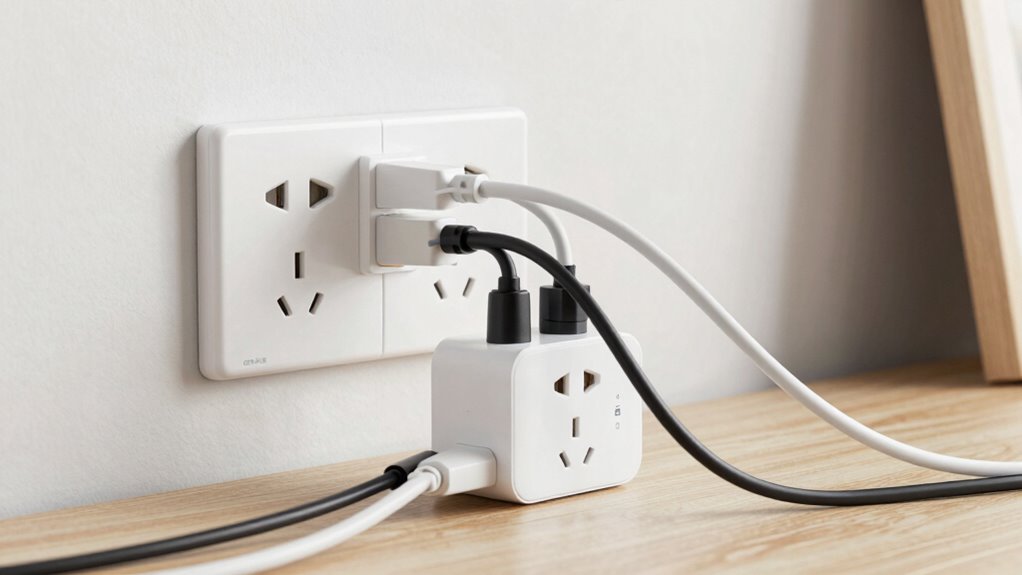
To safely use smart plugs and prevent overloading, you need to understand their power limits. Start by paying attention to how you arrange furniture placement; avoid blocking vents or covering outlets, which can cause overheating. When integrating smart plugs into your space, consider aesthetic design by hiding cords and plugs behind furniture or within decorative elements. This not only keeps your area neat but also reduces accidental damage or overload risks. Always check the maximum wattage the smart plug can handle, and ensure connected devices don’t exceed this limit. Proper furniture placement and mindful aesthetic choices help maintain safe operation, preventing potential hazards. Additionally, understanding power capacity and how to match it with your devices is crucial for safe use. By regularly inspecting and cleaning your smart plug connections, you can further ensure their safe operation. Proper maintenance can extend the lifespan of your devices and prevent unexpected failures. Being aware of electrical load management can further help in avoiding overload situations and maintaining overall safety. Incorporating load balancing techniques can also optimize your electrical system and reduce overload risks. Moreover, understanding circuit capacity can guide you in designing a more resilient and safe electrical setup at home.
Why Overloading Smart Plugs Is Dangerous
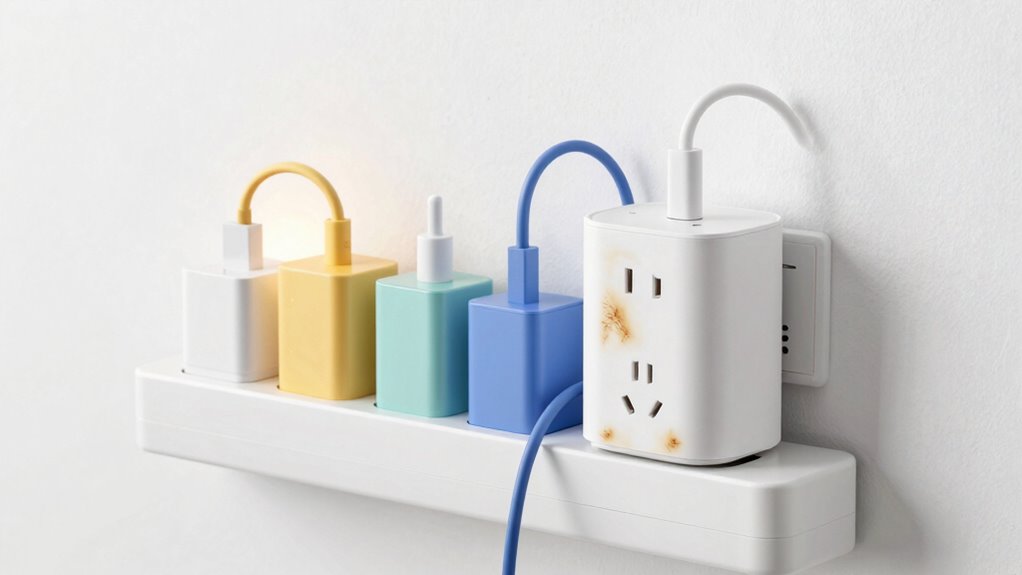
Overloading a smart plug can cause it to overheat, which substantially increases the risk of electrical fires. This not only jeopardizes your safety but also damages your appliances. When a smart plug is overloaded, it struggles to handle the excess current, leading to potential malfunctions or failure. To prevent hazards, ensure appliance compatibility and adhere to electrical safety guidelines. Use the table below to understand the importance of matching devices to smart plug ratings:
| Appliance Type | Recommended Load (Watts) |
|---|---|
| Small electronics | Up to 100W |
| Kitchen appliances | Up to 1500W |
| High-power tools | Avoid using with smart plugs |
Ignoring these limits can compromise your safety and the longevity of your devices. Proper electrical wiring and safety practices are essential for avoiding overloads and ensuring a safe environment. Additionally, understanding smart device ratings can help prevent accidental overloads and ensure reliable operation. It’s also important to recognize the power capacity of your smart plug to avoid exceeding its limits. Regularly checking your device specifications can help you maintain safe and efficient usage.
What Household Devices Can Overload a Smart Plug?
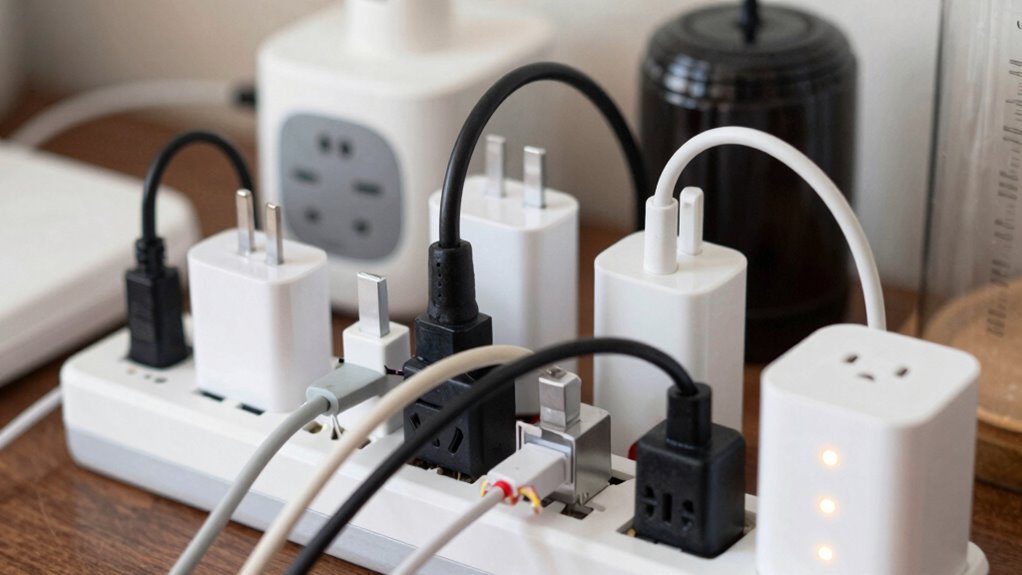
High-power appliances like space heaters or hair dryers can easily overload a smart plug if you’re not careful. Connecting multiple devices to one smart plug also increases the risk of overload. Always check the wattage limits to keep your devices safe. Additionally, using reputable precious metal IRA providers can help ensure your investment safety and peace of mind. Being aware of credit card security measures can also protect your financial information when managing smart home devices online. To prevent damage, consider body jewelry measurements and materials that suit your device’s power capacity and avoid using jewelry that may cause electrical issues. Understanding electrical load capacity is essential for maintaining safe and efficient use of smart plugs in your home.
High-Power Appliances
Many household devices draw more current than a smart plug can handle, especially those with powerful motors or heating elements. Appliances like space heaters, refrigerators, and washing machines often exceed the safe load. Always check voltage compatibility to guarantee your device matches your power supply, preventing overloads. Surge protection is essential for high-power appliances, as power surges can damage both the device and smart plug. Here’s a quick comparison:
| Device | Typical Power Usage | Voltage Compatibility |
|---|---|---|
| Space Heater | 1500W | 120V / 240V |
| Refrigerator | 100-800W | 120V / 240V |
| Microwave Oven | 600-1200W | 120V |
| Hair Dryer | 800-1800W | 120V / 240V |
| Dishwasher | 1200-1500W | 120V / 240V |
Overloading risks increase without proper surge protection or voltage checks.
Multiple Devices Connection
Certain household devices can easily cause a smart plug to overload if connected simultaneously or if their combined power exceeds the device’s capacity. To prevent this, consider device compatibility and smart plug features. High-wattage items like space heaters, hair dryers, or large kitchen appliances can strain your smart plug, especially if you connect multiple at once. Always check the device’s power requirements and compare them to your smart plug’s maximum load rating. Some smart plug features, like overload protection, can help, but they aren’t foolproof. Be cautious about stacking devices that draw significant power, and avoid daisy-chaining smart plugs. By understanding which devices are safe to connect and leveraging your smart plug’s features, you reduce the risk of overload and ensure safe operation. For added safety, paying attention to smart plug ratings and ensuring they match your household device needs is essential. Additionally, understanding the power capacity of your devices can help prevent accidental overloads and promote safer usage. Always remember that proper load management is key to maintaining electrical safety and avoiding potential hazards, especially in markets where market manipulation can influence device performance and safety standards. Being aware of device safety standards can further help you select appropriate appliances and prevent overloads.
How to Know Your Smart Plug’s Power Limits
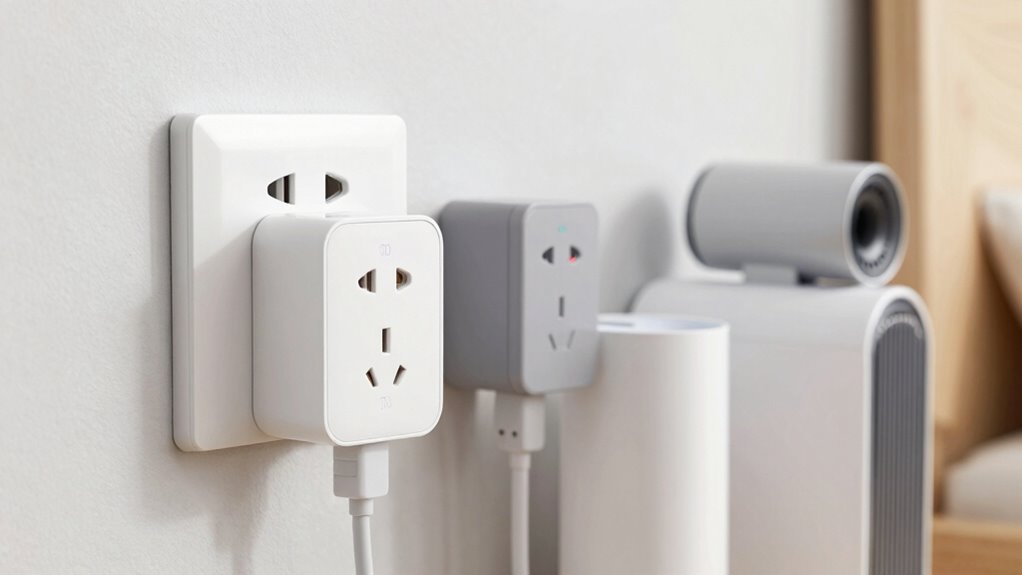
To guarantee safe operation with your smart plug, it’s essential to know its power limits. Start by checking its voltage ratings, usually found on the device or packaging. These ratings indicate the maximum voltage your smart plug can handle safely. Additionally, consider the circuit capacity, which is the maximum current load the plug can support without overheating or tripping the breaker. To help you stay within safe bounds, review the following table:
| Voltage Ratings | Circuit Capacity | Typical Devices |
|---|---|---|
| 110-125V | 10-15A | Lamps, chargers |
| 220-240V | 10-16A | Small appliances |
| 100-125V | 8-13A | Televisions, routers |
Always match your device’s power requirements with the smart plug’s specifications to avoid overloads. Being aware of power distribution fundamentals can also help prevent electrical hazards and ensure safe usage. Understanding electrical load and how it impacts your system can further improve safety and performance. Additionally, knowing how circuit capacity relates to your devices helps maintain a balanced and safe electrical setup. Being familiar with electricity flow can further assist in preventing overloads and ensuring efficient operation. Recognizing power factors can also optimize energy efficiency and reduce potential electrical issues.
How to Recognize When Your Smart Plug Is Overloaded
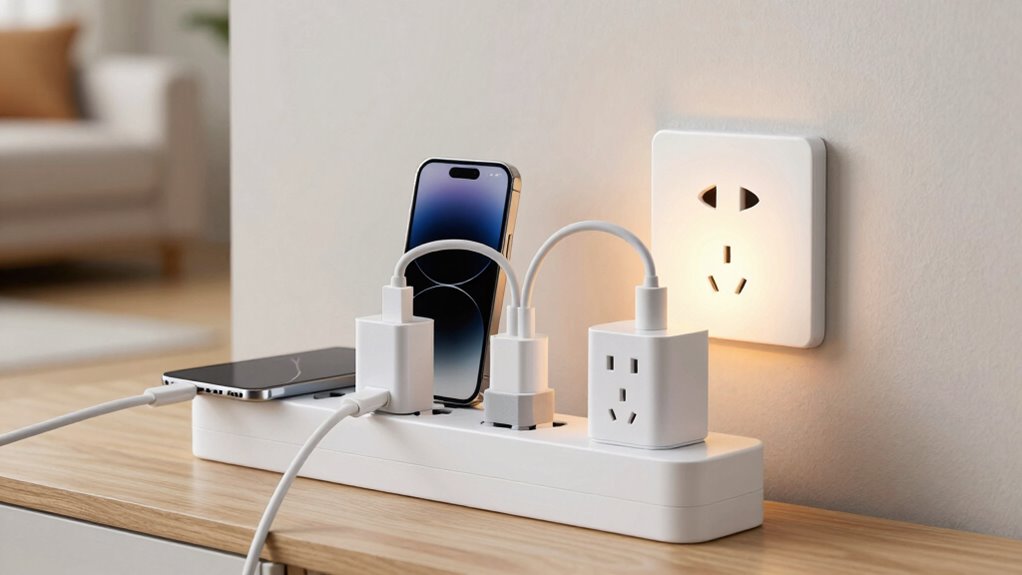
A smart plug is overloaded when it consistently handles more current than its maximum capacity, which can cause overheating or damage. Recognizing overloads is vital for electrical safety and maintaining device compatibility. Look out for these signs:
Overloading a smart plug can cause overheating, damage, and safety hazards; watch for signs like heat, trips, or smoke.
- The plug or surrounding area feels unusually hot to the touch.
- The smart plug trips the circuit breaker unexpectedly.
- You notice a burning smell or smoke near the device.
- The connected device operates intermittently or shuts off suddenly.
- Regularly exceeding recommended electrical limits can compromise indoor air quality by increasing the risk of electrical hazards. Additionally, understanding electrical capacity helps prevent overloads and ensures safe device operation. Monitoring your power load with appropriate tools can further reduce risks and promote safety.
If you observe any of these signs, stop using the smart plug immediately. Overloading not only risks damage to your devices but also creates fire hazards. Always make sure your devices stay within the recommended electrical limits and follow safety guidelines to protect your home.
Practical Tips to Use Smart Plugs Safely
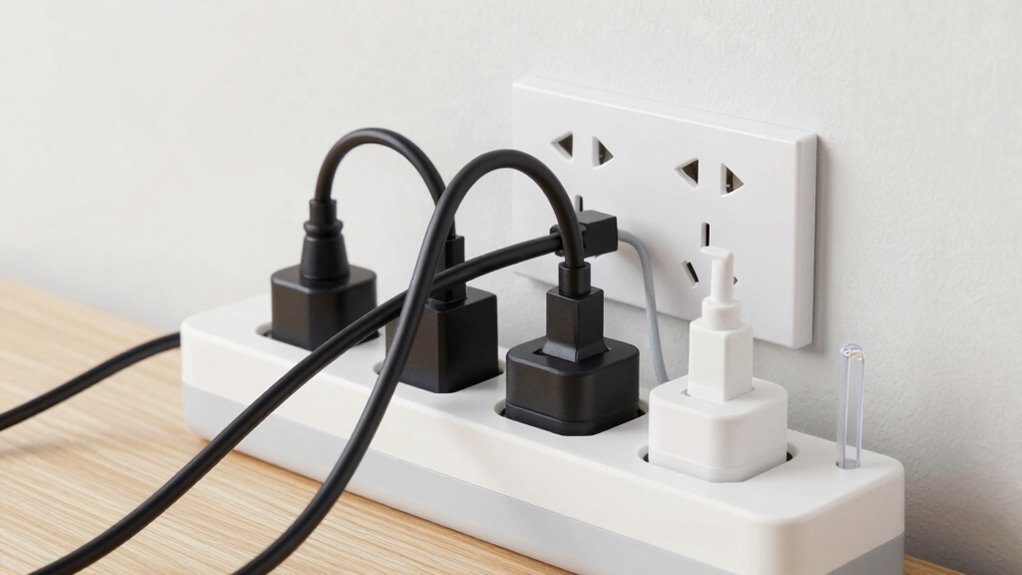
Using smart plugs safely starts with following basic precautions to prevent accidents and damage. Always check device compatibility before plugging in appliances to avoid overloading circuits or damaging your smart plug. Use energy efficiency features when available to reduce power consumption and lower risks. Avoid connecting multiple high-wattage devices to a single smart plug, and don’t exceed the recommended load capacity. Keep plugs and cords dry and free from dust or debris, which can cause shorts or overheating. Regularly inspect your smart plug for signs of wear or damage. Remember, smart plugs are designed for convenience but require responsible use—staying within recommended limits guarantees safety, prolongs device lifespan, and maximizes energy efficiency.
What to Do If Your Smart Plug Overheats or Smokes?

If your smart plug starts to overheat or smoke, turn off the power immediately to prevent further damage. Next, carefully inspect the device for any signs of burns or damage. Finally, contact the manufacturer or a qualified technician to guarantee safe repair or replacement.
Turn Off Power Immediately
When you notice your smart plug overheating or emitting smoke, you must act immediately to prevent potential hazards. First, unplug the device directly from the wall socket to cut off power. Next, locate your home’s circuit breaker or surge protector and switch off the circuit controlling that outlet. Visualize flipping the breaker switch to ‘off’ to stop all current flow. Then, carefully move the hot or smoking smart plug away from other electronics to prevent fire spread. Finally, avoid using the smart plug again until it’s inspected or replaced. Remember, circuit breakers and surge protectors are your safety allies—always shut off power at the source to prevent further damage or danger. Acting swiftly minimizes fire risk and protects your home.
Inspect for Damage or Burns
Since overheating or smoke indicates a serious issue, you should carefully examine your smart plug for visible signs of damage. Conduct a thorough damage assessment by inspecting the device closely. Look for any discoloration, melting, warping, or cracks in the plastic housing, which are clear burn inspection indicators. Check the outlet prongs and cord for scorch marks or melted areas. If you notice any signs of burns, charring, or deformation, it’s a sign the smart plug has suffered internal damage. Do not attempt to use or repair the device yourself. Instead, prioritize safety by unplugging it and avoiding further use until you’ve confirmed it’s safe or replaced it entirely. Proper damage assessment helps prevent potential electrical hazards.
Contact Manufacturer or Technician
Experiencing overheating or smoke from your smart plug isn’t something to ignore. Immediately unplug the device and avoid using it further. Next, contact the manufacturer or a qualified technician. When you do, consider these steps:
- Describe the issue clearly, mentioning if the device seems incompatible with your setup.
- Provide details about the device’s model number and purchase date.
- Check your warranty coverage to see if repairs or replacements are included.
- Follow their instructions on safe disposal or return procedures.
How to Choose the Right Smart Plug for Your Needs
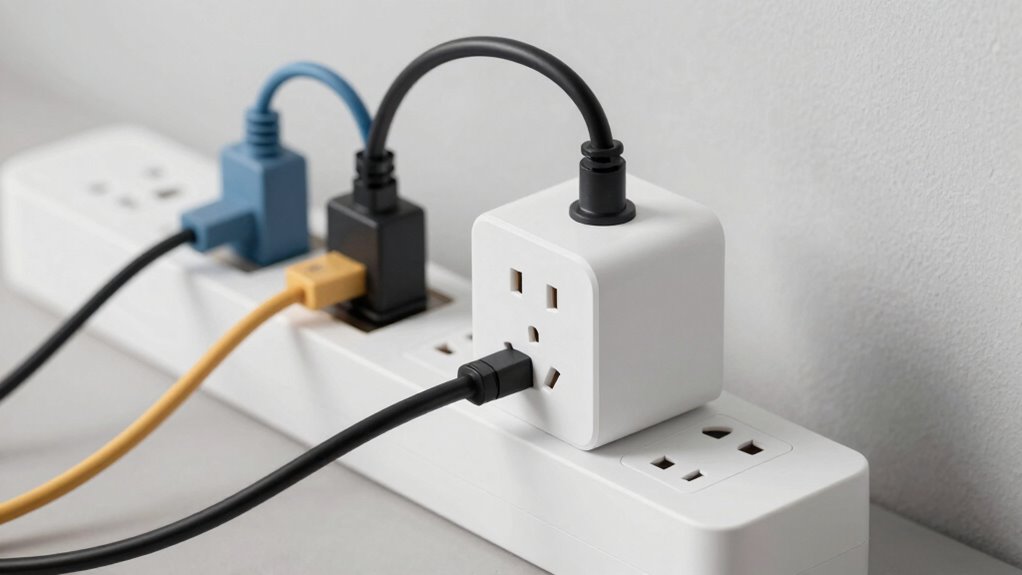
Choosing the right smart plug depends on your specific needs and the devices you want to control. Consider energy efficiency features to save power and reduce costs, especially if you plan to leave devices on for extended periods. Look for smart plugs that offer reliable remote control via smartphone apps, enabling you to turn devices on or off from anywhere. Check compatibility with your home’s Wi-Fi network and ensure the plug supports your preferred voice assistants if you want hands-free control. Pay attention to the maximum load capacity to prevent overloads, and choose a design that fits your outlets comfortably. By matching these features to your needs, you’ll ensure safe, efficient, and convenient device management.
Benefits of Using Smart Plugs Responsibly
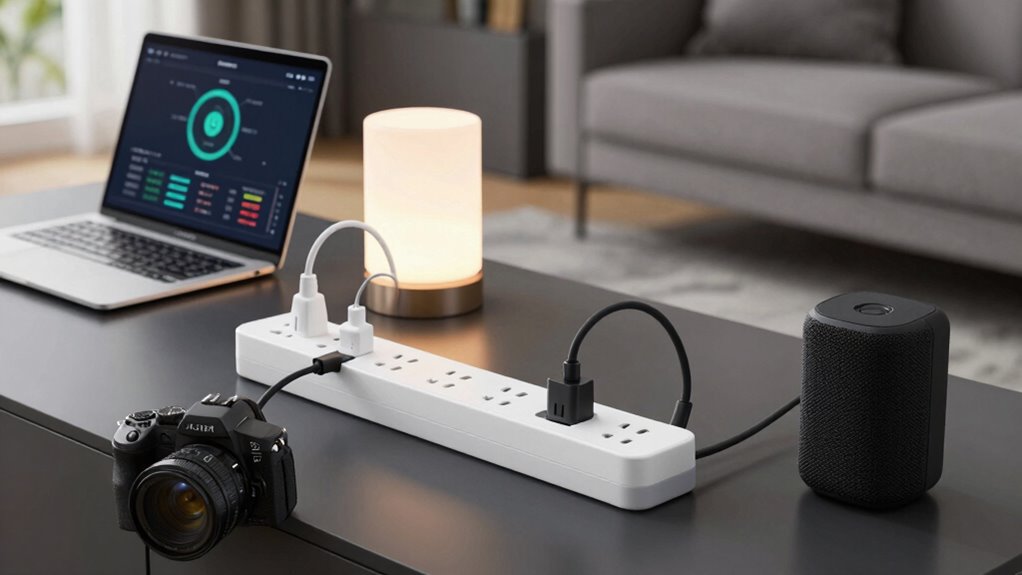
Using smart plugs responsibly maximizes their benefits and helps you avoid potential issues. When used correctly, they boost energy efficiency and give you remote control over your devices. Imagine:
- Saving money on your energy bills by turning off appliances when not in use.
- Ensuring safety by preventing overloads and overheating.
- Managing your devices effortlessly from anywhere with a simple app.
- Extending the lifespan of electronics through proper power management.
Frequently Asked Questions
Can I Connect Multiple Smart Plugs to a Single Outlet Safely?
You can connect multiple smart plugs to a single outlet, but you need to be cautious. Overloading can cause power surges and damage your devices. Check the power ratings and device compatibility of each smart plug, and avoid exceeding the outlet’s maximum capacity. Using a surge protector can help prevent power surges. Always follow manufacturer instructions to guarantee safety and prevent electrical hazards when plugging in multiple smart devices.
Are There Specific Safety Certifications to Look for in Smart Plugs?
You should look for smart plugs with proper safety certifications, like UL or ETL labels, which indicate they meet electrical standards. Certification labels verify the device has been tested for safety and quality. Always choose plugs with these marks, especially when connecting multiple devices or high loads, to prevent hazards. Confirm the smart plug complies with relevant electrical standards, giving you peace of mind and added safety in your home.
How Often Should I Inspect My Smart Plugs for Damage?
You should inspect your smart plugs at least once a month as part of your maintenance routines. Look for damage indicators like cracks, scorch marks, or loose connections. Regular inspections help you catch potential issues early, preventing hazards. If you notice any damage indicators, stop using the plug immediately and replace it. Keeping up with these checks guarantees your smart plug remains safe and functional over time.
Can Overloading Damage the Smart Plug’s Internal Components?
Electrical overloads can cause internal damage to your smart plug, much like a flood short-circuiting delicate electronics inside. When you overload a smart plug, excessive current flows through its components, overheating and weakening the internal circuitry. Over time, this internal damage can compromise the plug’s safety and functionality, increasing the risk of malfunctions or electrical fires. Keep within recommended limits to protect your device and home.
What Are the Signs That My Smart Plug Needs Replacement?
You should consider replacing your smart plug if you notice visual indicators like discoloration, burnt smells, or a melted appearance. These signs suggest internal damage and potential safety hazards. Also, follow the recommended replacement timeline, typically every 2-3 years, to guarantee ideal performance and safety. If your smart plug is showing these signs earlier, it’s best to replace it immediately to prevent electrical issues or fire risks.
Conclusion
Smart plugs make life easier, but ignoring their limits can lead to hazards. While they offer convenience, overloading them risks overheating and fires—dangerous extremes you want to avoid. By understanding their power limits and using them responsibly, you protect your home and loved ones. Remember, technology is a tool for safety and efficiency—when used wisely. Don’t let convenience turn into catastrophe; prioritize smart, safe usage every time.