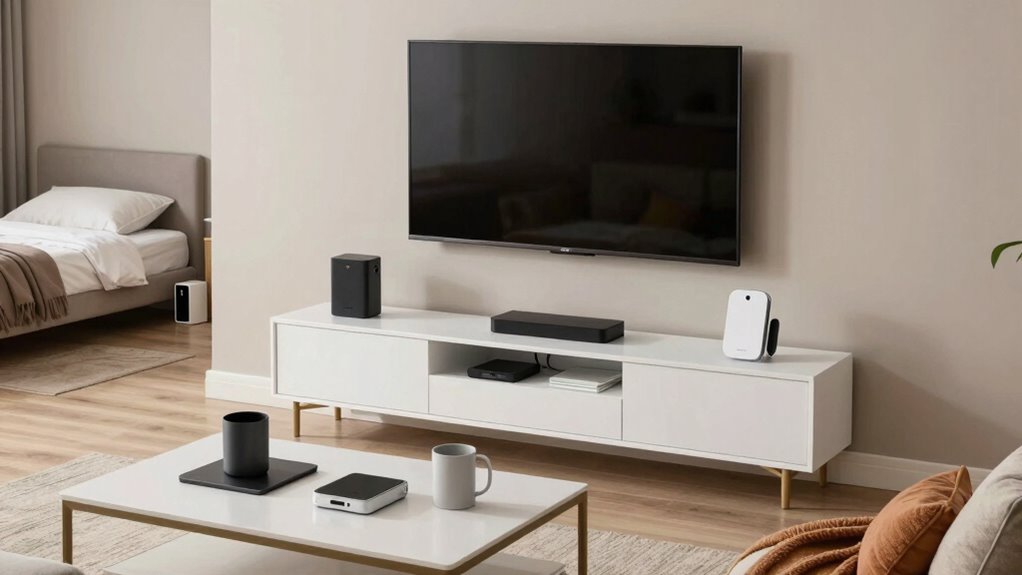

To cut tech clutter in your family room and bedroom, start with smart storage solutions like furniture with hidden compartments or storage ottomans. Use cable clips and wall organizers to keep cords tidy and out of sight. Establish designated charging stations with labeled cables and power strips to keep devices organized. Make it a habit to gather and store gadgets after use daily. Keep clutter at bay and create a calmer environment—exploring these techniques further will show you how.

Get furniture and decor delivered free with Prime
- Fast, free delivery on millions of items
- Prime Video, Amazon Music and more included
- Member-only deals all year
Key Takeaways
- Implement designated charging stations with labeled cables and power strips to centralize device charging.
- Use furniture with hidden compartments or drawers to store gadgets and accessories out of sight.
- Organize cables with clips, sleeves, or raceways to prevent tangling and maintain a tidy appearance.
- Practice daily tidying by returning devices and cords to specific storage spots after use.
- Reduce visual clutter by using labeled bins and shelves to keep smaller items organized and accessible.
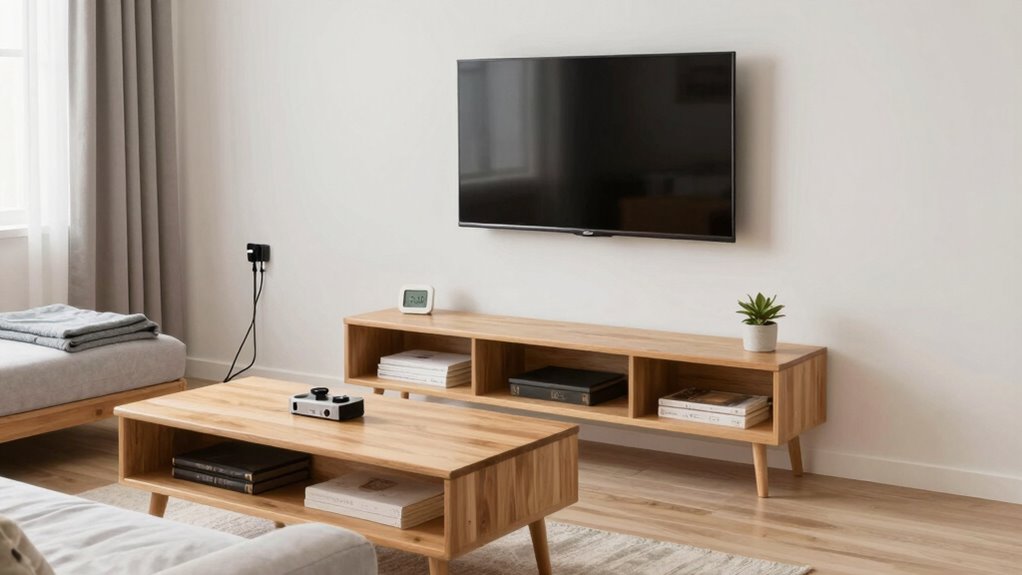
In today’s digital age, family rooms and bedrooms often become overflowing with gadgets, chargers, and screens, creating a cluttered environment that can feel overwhelming. To combat this, smart storage solutions are essential. Instead of leaving devices and accessories scattered across surfaces, invest in furniture that offers hidden compartments or built-in drawers. For example, ottomans with storage space or beds with under-bed drawers keep clutter out of sight while maintaining easy access. Using labeled bins or baskets for smaller items like remote controls, headphones, and game controllers helps organize everything neatly. These containers can be tucked away on shelves or inside cabinets, reducing visual chaos and making tidying up quick and simple.
Smart storage solutions keep gadgets organized and out of sight for a clutter-free space.
Cable management plays a crucial role in reducing tech clutter. Tangled cords and loose chargers not only look messy but can also create safety hazards. To tame this chaos, consider using cable clips, sleeves, or spiral wraps to bundle cords together. These tools keep cables organized and prevent them from tangling when not in use. Installing wall-mounted cable organizers or raceways can hide wires behind furniture or along walls, giving your space a clean, streamlined appearance. When you’re not actively using chargers or devices, unplug and store them in designated spots. This habit prevents unnecessary clutter from accumulating and makes it easier to find what you need quickly. Incorporating proper cable management techniques can significantly enhance your space’s overall tidiness. Additionally, exploring ergonomic organization can help reduce strain and improve comfort during cleanup routines. Remember that digital organization is also key to maintaining a clutter-free environment, as it helps keep virtual spaces orderly and accessible. Incorporating smart storage solutions can further optimize space and keep everything organized effortlessly.
Another smart move is to designate specific charging stations. Pick a corner or a drawer where all devices go when not in use, and equip it with a power strip or USB hub. This centralizes charging needs and stops cords from trailing across tables and floors. Labeling chargers and cables can also save time and frustration, especially when multiple family members share devices. Using cord labels or color-coded tags makes it obvious which cable belongs to whom, reducing the tug-of-war over chargers.
Finally, set a routine for daily tidying. After daily use, gather all devices, cords, and accessories into their designated storage spots. Regularly decluttering prevents accumulation of unnecessary gadgets and keeps your space feeling orderly. Incorporating ergonomic tips into your organization routine can also improve comfort and reduce strain during cleanup. When everyone adopts these habits and invests in smart storage and cable management tools, your family room and bedroom will transform into calm, organized environments. Tech clutter no longer has to dominate your space—just a few strategic choices can make a big difference in creating a tidy, functional haven.
storage ottoman with hidden compartments
As an affiliate, we earn on qualifying purchases.
As an affiliate, we earn on qualifying purchases.
Frequently Asked Questions
How Can I Involve Children in Reducing Tech Clutter?
You can involve children in reducing tech clutter by making it a family participation activity. Encourage children involvement by setting clear, fun goals and giving them responsibilities like organizing their gadgets or selecting items to donate. Use positive reinforcement to motivate them and create a sense of ownership. When kids see their role as important, they’re more likely to stay engaged and help maintain a clutter-free family space together.
What Are Some Eco-Friendly Tech Organization Solutions?
You can use eco-friendly storage options like bamboo bins or recycled plastic containers to organize tech gadgets. Opt for sustainable solutions such as biodegradable cable ties or fabric organizers made from natural fibers. These choices help reduce environmental impact while keeping your family room or bedroom tidy. Incorporating these sustainable solutions not only minimizes clutter but also promotes eco-conscious habits, making your space cleaner and greener.
How Often Should I Declutter Tech Devices?
You should declutter your tech devices every three to six months. During this time, focus on device disposal for outdated gadgets and guarantee proper recycling. Cable management plays a key role—tangle-free cords and labeled setups make your space neater. Regular decluttering prevents clutter buildup, keeps your devices organized, and promotes a safer, more efficient environment. Make it a routine to stay on top of tech clutter and avoid unnecessary stress.
Are There Apps to Help Manage Tech Clutter?
Yes, plenty of apps can help manage your tech clutter, making a digital detox easier. For example, apps like Offtime or Freedom block distracting screens and enforce screen boundaries, helping you stay focused. Studies show that limiting screen time boosts mental health. Using these tools, you can set healthy boundaries, reduce clutter, and create a more relaxing family room or bedroom environment. These apps make managing tech clutter simple and effective.
What Safety Precautions Are Needed When Organizing Tech?
When organizing tech, you need to prioritize cable management and device safety. Use cable clips or sleeves to keep cords tidy and prevent tripping hazards. Always unplug devices before handling, and avoid overloading outlets. Keep chargers and batteries away from water, and make sure devices are in ventilated areas to prevent overheating. Regularly check cords and plugs for damage, and follow manufacturer safety guidelines to protect your family from potential hazards.
Conclusion
Reducing tech clutter in your family rooms and bedrooms not only creates a calmer space but also boosts your overall well-being. Did you know that adults who limit screen time report better sleep and reduced stress? By implementing simple organization tips and setting boundaries, you can reclaim your space and enjoy more quality time with loved ones. Start small today—your mind and home will thank you for it.
Columbus Day / Indigenous Peoples' Day Picks
long weekend sales
As an affiliate, we earn on qualifying purchases.