To instantly boost your Wi-Fi coverage, place your router in a central, elevated spot away from thick walls, metal objects, and electronics like microwaves or cordless phones. Keep it on a high shelf or wall mount for better signal distribution. Avoid placing it inside cabinets or behind large furniture. Repositioning your router can make a noticeable difference in coverage—continue exploring tips to optimize your Wi-Fi performance even further.
Key Takeaways
- Position the router centrally in your home to ensure even coverage and reduce dead zones.
- Elevate the router on a high shelf or wall mount to improve signal distribution.
- Keep the router away from thick walls, large furniture, and metal objects that can cause interference.
- Avoid placing the router inside cabinets or behind objects that block Wi-Fi signals.
- Use dual-band Wi-Fi strategically, placing the 2.4 GHz and 5 GHz bands for optimal speed and range.
Why Your Router Placement Matters for Wi-Fi Performance
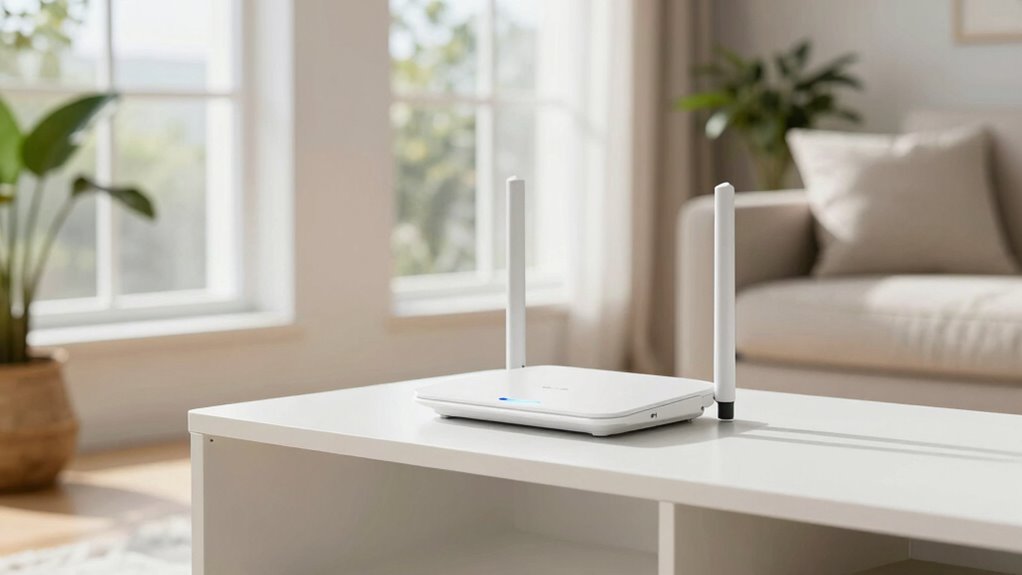
Your router’s placement directly impacts your Wi-Fi performance because signals weaken as they travel through walls, furniture, and other obstacles. Signal interference from electronic devices or neighboring networks can further disrupt your connection. Proper placement helps minimize these issues, ensuring a stronger, more dependable signal. Position your router where it has a clear line of sight and is free from thick barriers. Don’t forget about router antennas; adjusting them can help direct signals for better coverage. Keeping antennas upright or at ideal angles can reduce dead zones and boost signal strength. Remember, a well-placed router reduces interference and maximizes the effectiveness of your antennas, resulting in faster, more stable Wi-Fi throughout your home. Additionally, understanding how signal propagation works can help you choose the best placement for optimal coverage. Considering Wi-Fi frequency bands can also influence your coverage, as dual-band routers offer better performance by reducing interference and congestion. Recognizing the importance of European cloud innovation can inspire broader solutions that enhance connectivity and security. Proper placement not only optimizes your current setup but also prepares your network for future smart home integrations and devices. Being mindful of environmental factors such as furniture placement and electronic interference can further improve your Wi-Fi experience.
How to Find the Best Spot for Your Router in Your Home
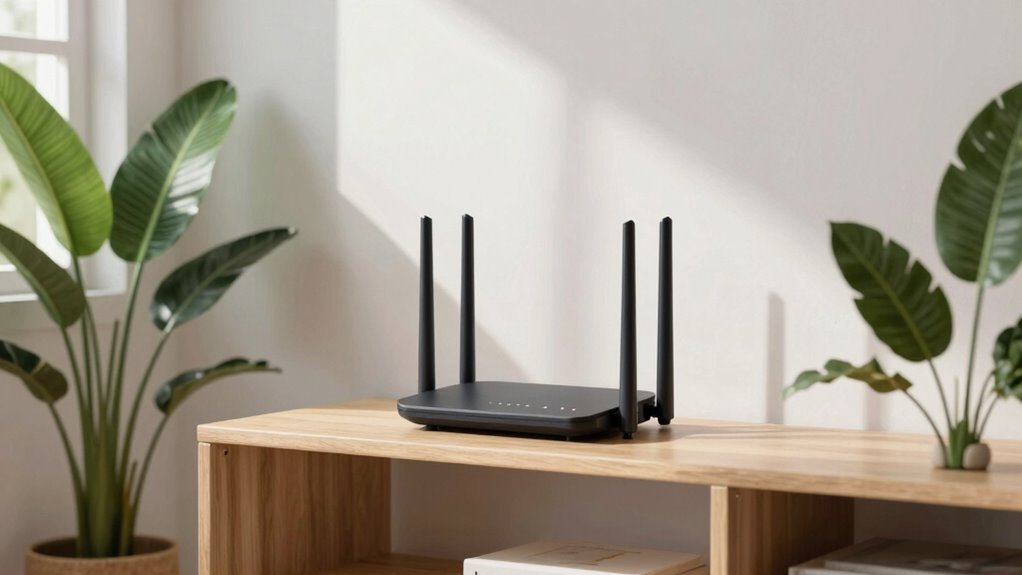
Finding the ideal spot for your router starts with understanding your home’s layout and where the most devices connect. Place your router centrally, away from thick walls or metal objects that can block signals. Keep it elevated on a shelf or high furniture for better coverage. Avoid placing it near electronic interference like microwaves or cordless phones, which can disrupt signal quality. Regular firmware updates are essential for maintaining router security and optimizing performance. When choosing a location, ensure easy access for updates and security checks. A well-placed router not only improves coverage but also enhances security by reducing vulnerabilities. Additionally, being aware of interference sources in your environment can help you select the most optimal placement. Understanding home wireless systems can further assist in achieving a stronger, more reliable Wi-Fi connection throughout your home. Proper placement can also help minimize signal interference, leading to a more consistent network experience. To maximize your network’s reliability, considering network security and potential sources of electromagnetic interference can make a significant difference.
Common Placement Mistakes That Can Kill Your Wi-Fi Signal
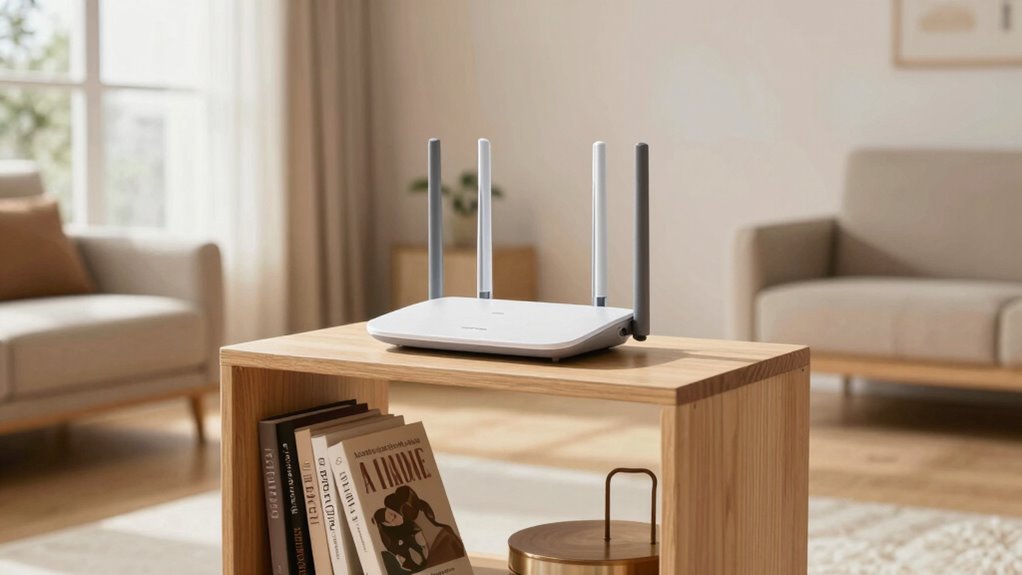
Many common placement mistakes can substantially weaken your Wi-Fi signal and reduce coverage. For example, placing your router near thick walls or metal objects, like a large appliance, can block signals regardless of the brand or Wi-Fi standards it supports. Some people position their router low to the ground, which limits coverage, while others hide it inside cabinets or closets, cutting down signal strength. Using an outdated router brand that doesn’t support current Wi-Fi standards, such as Wi-Fi 5 or Wi-Fi 6, also hampers performance. Avoid placing your router near cordless phones, microwaves, or Bluetooth devices, which can cause interference. Proper placement considers both the router’s location and its compatibility with Wi-Fi standards, ensuring you get the best coverage possible. Additionally, router placement strategies can maximize your network’s reach and reliability throughout your home. To optimize your setup, it’s also beneficial to keep your firmware updated and consider additional signal boosters if coverage remains an issue. Paying attention to signal propagation can also help you identify the best spots for your router to ensure optimal coverage. Understanding wireless signal behavior can further assist in troubleshooting and improving your network performance.
Tips for Optimizing Router Placement in Multi-Story or Large Homes
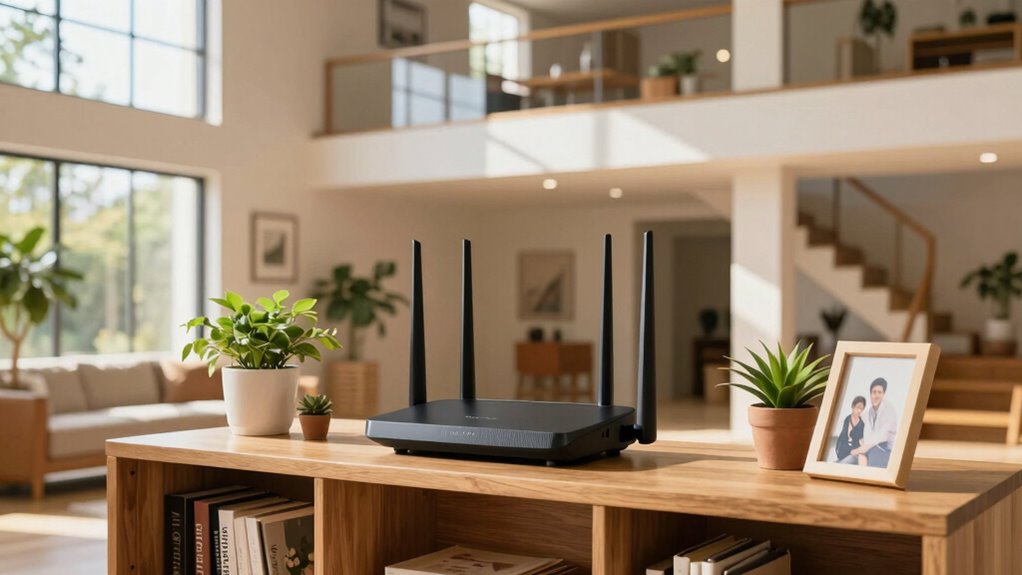
To improve your Wi-Fi in a large or multi-story home, start by placing your router centrally to cover all areas. Elevate the device on a shelf or high furniture to reduce signal obstacles, and keep it away from thick walls or metal objects. These simple steps can markedly boost your connection strength across every floor. Additionally, avoiding interference from electronic devices can help maintain optimal signal quality throughout your space. Ensuring your router has proper placement can significantly enhance overall coverage and performance. Proper placement also minimizes signal interference, leading to more consistent and reliable internet access throughout your home. Utilizing navigation and mapping features on some routers can further optimize coverage by adapting to your home’s layout. Incorporating load calculations can help you determine if your current setup supports your household’s internet demands effectively.
Centralize Router Location
In multi-story or large homes, placing your router centrally is essential for ensuring a strong Wi-Fi signal throughout the space. Positioning it in the middle of your home helps distribute the signal evenly, reducing dead zones. Pay attention to router orientation; keep antennas vertical to maximize coverage, especially at different signal frequencies. If your router supports dual-band, choose the 5 GHz band for faster speeds over short distances and the 2.4 GHz for broader coverage. Avoid placing the router near thick walls or metal objects, which can obstruct signals. By centralizing the router and optimizing its orientation based on signal frequency, you enhance overall coverage, ensuring reliable connectivity on all floors and in every corner of your home.
Elevate the Device
Elevating your router can substantially improve Wi-Fi coverage across multi-story or large homes. By raising the device, you enhance device elevation, which helps the signal travel more efficiently and reduces dead spots. Position the router on a high shelf or mounted on a wall to maximize signal clarity. Keep it away from furniture, appliances, or other electronics that could interfere with the signal. Elevated placement minimizes obstructions and allows Wi-Fi waves to disperse evenly throughout the space. For multi-story homes, placing the router near the center of the upper floor often yields the best results. Remember, a higher position helps maintain a strong, consistent connection for all your devices, especially in larger spaces where signal strength can easily weaken. Utilizing proper placement techniques and understanding how signal interference can impact performance is essential to optimize your Wi-Fi’s performance and coverage. Additionally, being aware of signal propagation can help you select the most effective placement for your router.
Minimize Obstructions
Once you’ve placed your router on a high shelf or wall mount, the next step is to reduce physical obstacles that can block or weaken the signal. Obstruction reduction is key to maintaining excellent signal clearance. Keep large furniture, appliances, and thick walls away from the router’s line of sight to prevent signal decay. Avoid placing the device inside cabinets or behind other objects that can absorb or reflect Wi-Fi signals. Clear pathways around the router help ensure better coverage throughout your home. Additionally, position the router away from mirrors or metal surfaces, which can interfere with the signal. By minimizing obstructions, you’ll improve signal strength and coverage, making your Wi-Fi faster and more reliable across multi-story or large spaces. Proper router placement is essential for maximizing your network’s performance and avoiding frustrating dead zones, especially when considering the impact of physical obstacles on wireless signals.
Managing Physical Barriers and Wi-Fi Interference Effectively
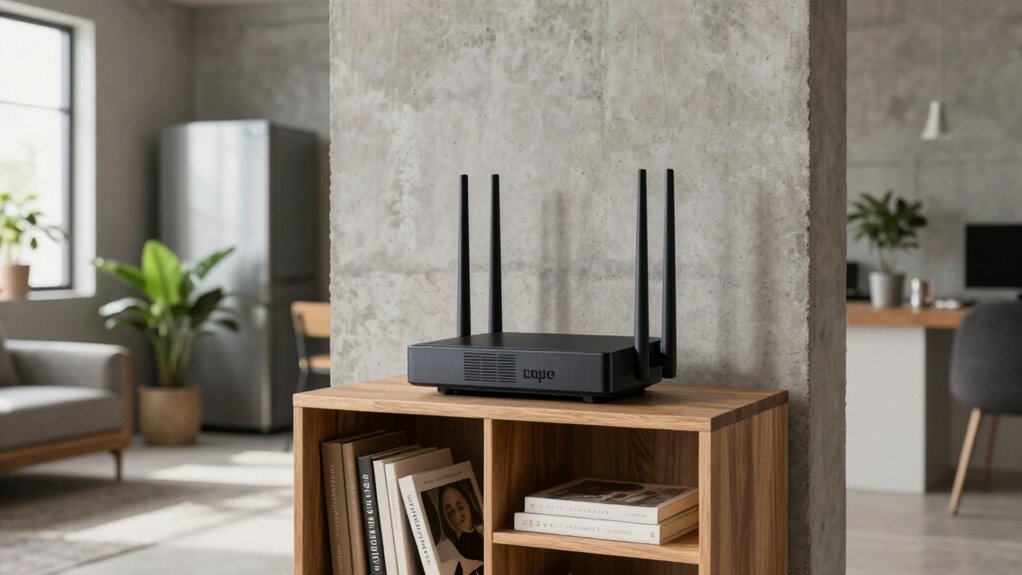
Physical barriers like walls, furniture, and appliances can considerably weaken your Wi-Fi signal, so it’s essential to minimize their impact. To manage physical barriers effectively, position your router away from thick walls and large objects that block signals. Keep it elevated and central to reduce the distance signals need to travel. Wireless interference from other electronics, such as microwaves or cordless phones, can also disrupt your connection. To combat this, choose a less congested Wi-Fi channel and avoid placing your router near devices that emit electromagnetic interference. Regularly check for sources of interference and reposition your router if you notice drops in coverage. Additionally, understanding how everyday kitchen tools work can help you troubleshoot and optimize your setup by avoiding unnecessary electronic interference from household appliances. By managing physical barriers and reducing wireless interference, you enhance signal strength and stability, ensuring better coverage throughout your space.
How to Test and Improve Your Wi-Fi Signal After Placement
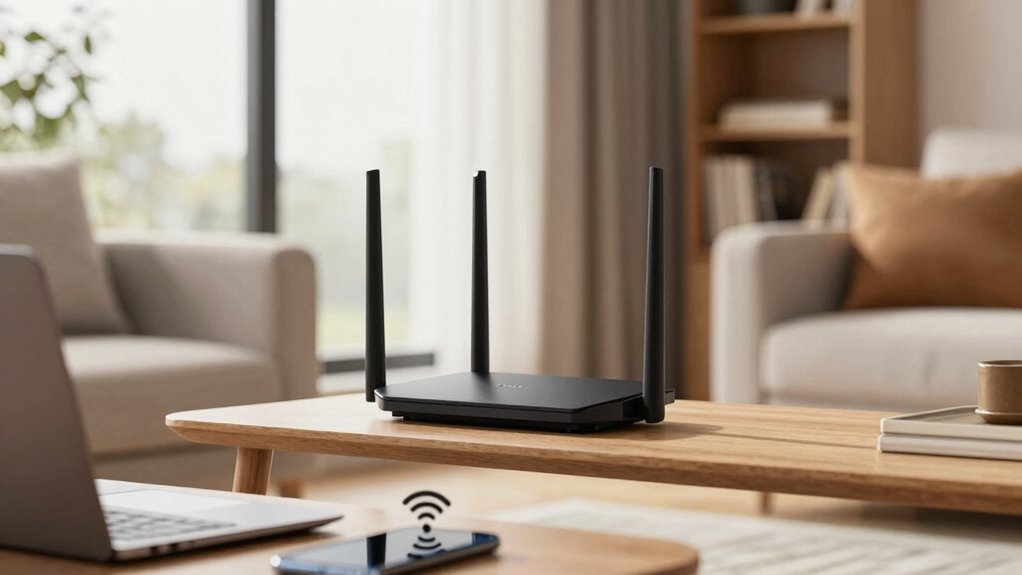
Once you’ve placed your router, it’s important to test your Wi-Fi signal to guarantee ideal coverage. Use speed tests to identify weak spots and see if your connection improves. If needed, adjust the router’s position to boost signal strength in trouble areas.
Use Speed Tests
To guarantee your Wi-Fi is performing at its best after repositioning your router, running speed tests is essential. These tests help you identify signal strength and bandwidth management issues, ensuring ideal coverage. Use reputable tools like Ookla or Fast.com to measure download, upload, and ping speeds across different areas. Focus on areas with weaker signals and adjust your router if needed. Keep security enhancements in mind, as a well-placed router reduces vulnerabilities. Comparing test results before and after adjustments confirms improvements in coverage and performance. To make this easier, consider this quick reference:
| Location | Download Speed | Upload Speed |
|---|---|---|
| Living Room | 50 Mbps | 10 Mbps |
| Bedroom | 35 Mbps | 8 Mbps |
| Kitchen | 45 Mbps | 9 Mbps |
Consistent testing ensures your network remains fast and secure.
Adjust Router Position
After running your initial speed tests, it’s time to fine-tune your router’s position to maximize coverage. Start by adjusting the router orientation, positioning antennas vertically or at different angles to improve signal direction. Experiment with placing the router higher on a shelf or mounting it on a wall to reduce obstructions. If certain areas still have weak signals, consider adding signal boosters or Wi-Fi extenders to enhance coverage. Keep in mind that walls, metal objects, and electronic devices can interfere with your signal, so avoid placing the router near these. Regularly testing your Wi-Fi speed after each adjustment helps identify the most effective placement. Small changes in position can make a significant difference in coverage and performance, ensuring a stronger, more reliable connection throughout your space.
Using Additional Access Points or Mesh Systems to Boost Coverage
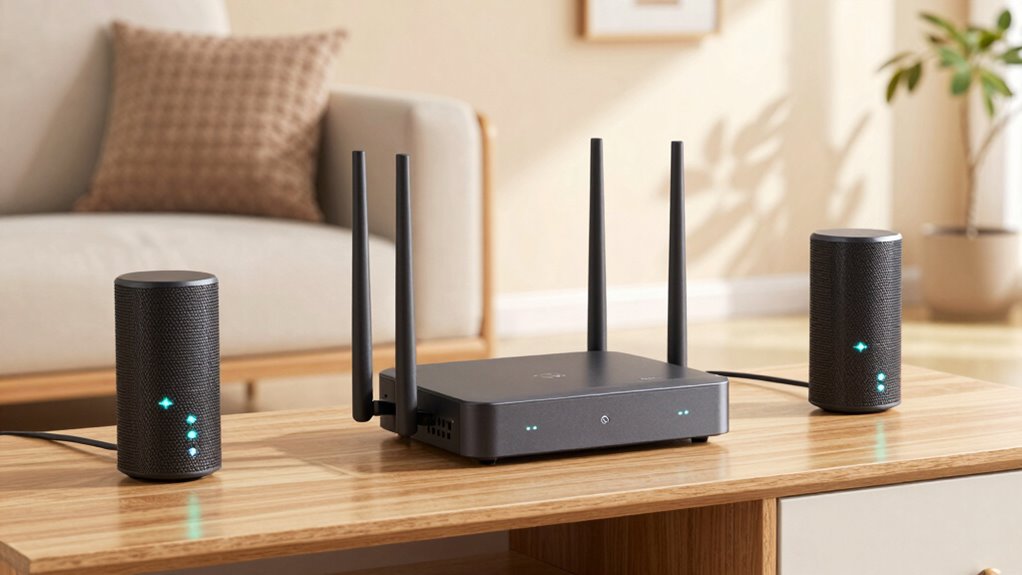
If your Wi-Fi signal struggles to reach certain areas of your home, adding extra access points or upgrading to a mesh system can substantially improve coverage. These solutions act as signal boosters, creating a seamless network that extends coverage throughout your space. Access points connect directly to your existing router, providing dedicated signals to hard-to-reach spots, while mesh systems use multiple nodes to distribute Wi-Fi evenly across large areas. This setup reduces dead zones and enhances overall performance. Installing additional access points or a mesh system is a cost-effective way to guarantee consistent, reliable Wi-Fi everywhere you need it. By expanding your network, you eliminate weak spots and enjoy smoother streaming, gaming, and browsing with minimal effort.
Maintaining Your Router’s Optimal Position Over Time
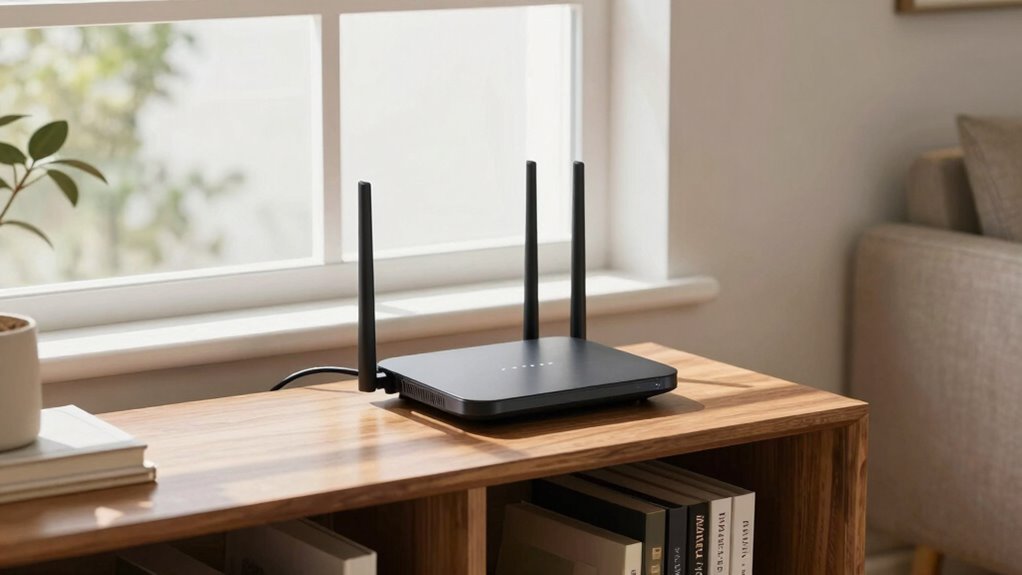
Once you’ve optimized your router’s placement and expanded coverage with additional access points or mesh systems, maintaining that ideal position becomes key to preserving your network’s performance. To guarantee continued signal stability, prioritize regular router maintenance. Here’s how:
- Check for firmware updates regularly to fix bugs and improve performance.
- Reposition the router if you notice signal drops or dead zones.
- Keep the router elevated and away from obstructions to prevent interference.
- Monitor your network’s performance periodically to spot issues early.
Frequently Asked Questions
How Often Should I Reposition My Router for Optimal Coverage?
You should reposition your router whenever you notice signal issues or after major changes to your home layout. Regular router maintenance, like updating firmware, helps maintain ideal coverage. Keep it away from devices causing signal interference, such as microwaves or cordless phones. Repositioning every few months or if you experience connectivity problems ensures your signal stays strong and reliable, providing the best coverage for your devices.
Can Router Placement Affect Internet Speed During Peak Hours?
Yes, router placement can influence your internet speed during peak hours. Poor placement causes signal interference and limits bandwidth management, slowing down your connection when many devices are active. Keep your router in a central, elevated spot away from thick walls and electronics to minimize interference. Proper placement ensures a stronger signal, better bandwidth management, and faster speeds, especially during busy times, giving you a smoother online experience.
Are There Specific Router Types Better Suited for Certain Home Layouts?
Think of your home as a sprawling garden needing different tools. A mesh network acts like a team of gardeners spreading out evenly, ensuring every corner gets attention. Multi-band routers are like versatile tools, switching seamlessly between tasks. For large or complex layouts, choose mesh systems for broad coverage, while multi-band routers suit homes with multiple devices. Matching your home’s layout with the right router type keeps your Wi-Fi strong everywhere.
How Does Furniture Placement Impact Wi-Fi Signal Strength?
Furniture placement can considerably impact your Wi-Fi signal strength by causing interference and signal obstruction. When you position your router, keep it away from large furniture pieces, thick walls, and metal objects that block or weaken the signal. Avoid placing furniture directly in front of the router, as it can trap the Wi-Fi waves. By minimizing furniture interference and ensuring clear pathways, you’ll improve coverage and enjoy faster, more reliable connectivity throughout your home.
What Are the Signs Indicating My Router Needs Better Placement?
If your Wi-Fi signal drops or slows down frequently, it’s a sign your router needs better placement. Interference sources like thick walls, metal objects, or electronics can weaken your connection. Also, check device compatibility—older devices may struggle with newer routers. Move your router away from interference sources and guarantee it’s centrally located, elevating it if possible, to improve coverage and maintain a strong, stable connection.
Conclusion
Remember, placing your router correctly can boost your Wi-Fi coverage by up to 50%. Did you know that most users experience sharper signals and fewer dropouts just by repositioning their router? By avoiding common mistakes and testing your setup regularly, you’ll enjoy smoother streaming, faster downloads, and stronger connections throughout your home. Keep experimenting with placement and consider mesh systems if needed—your perfect Wi-Fi experience is just a strategic move away.